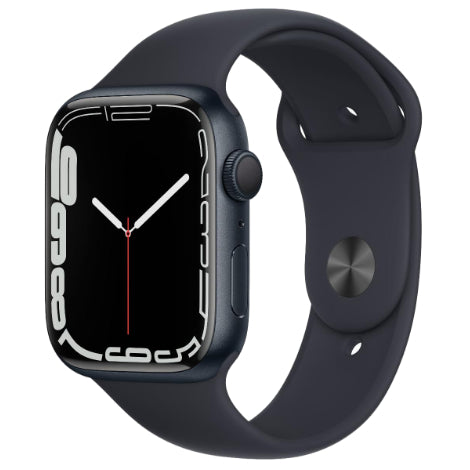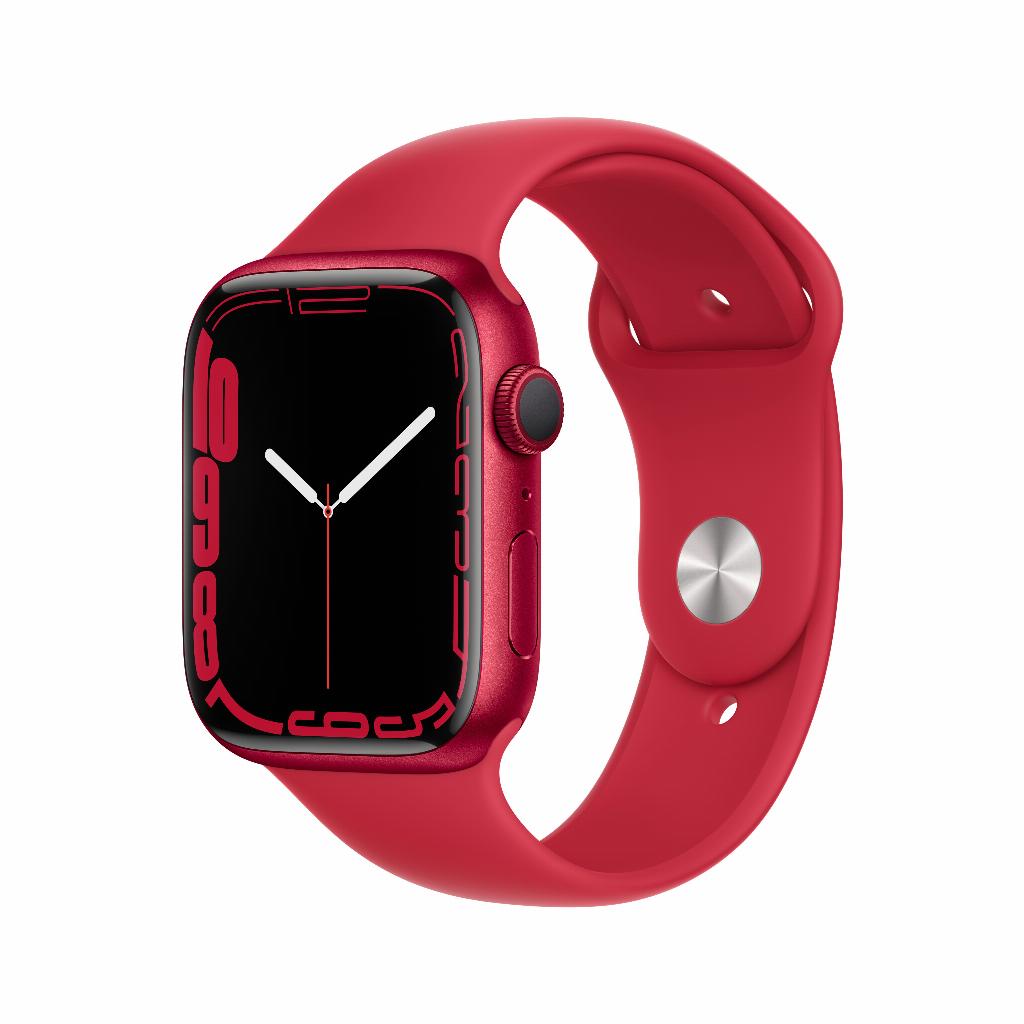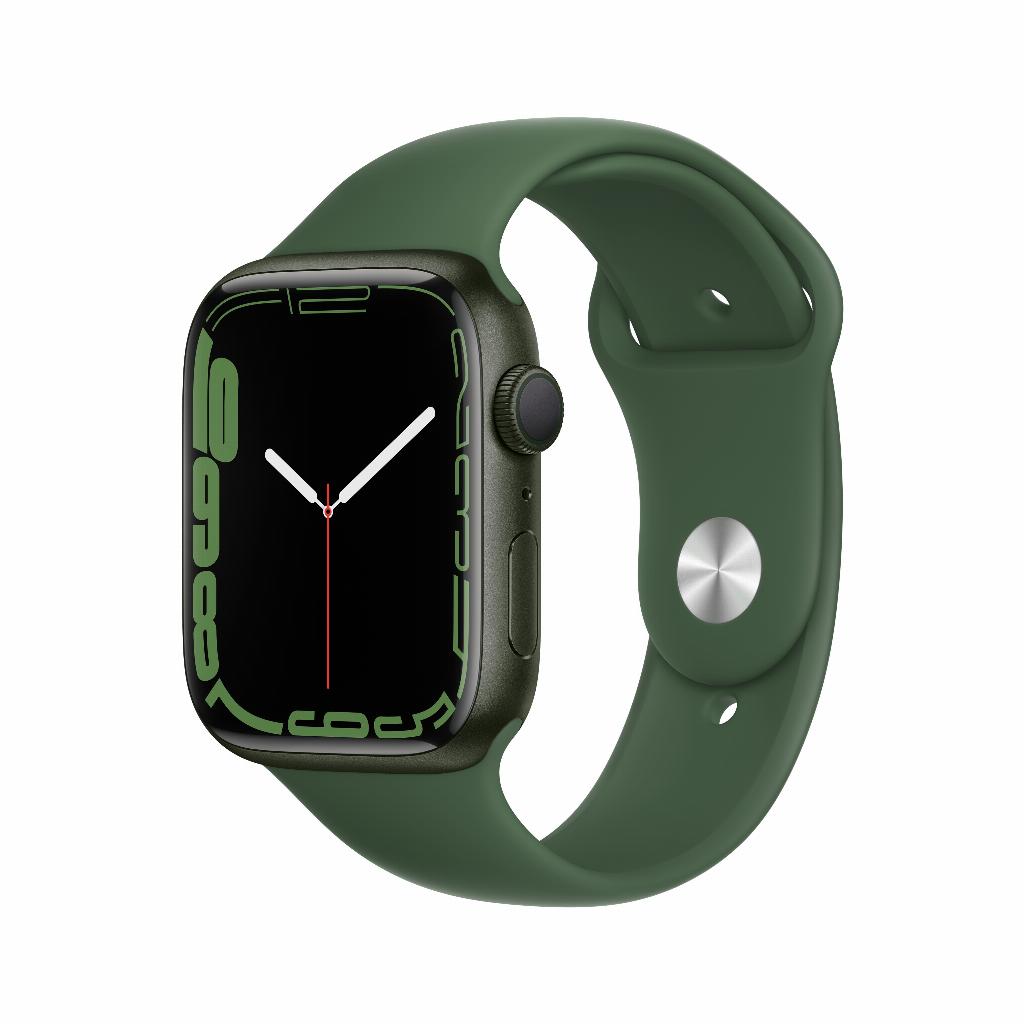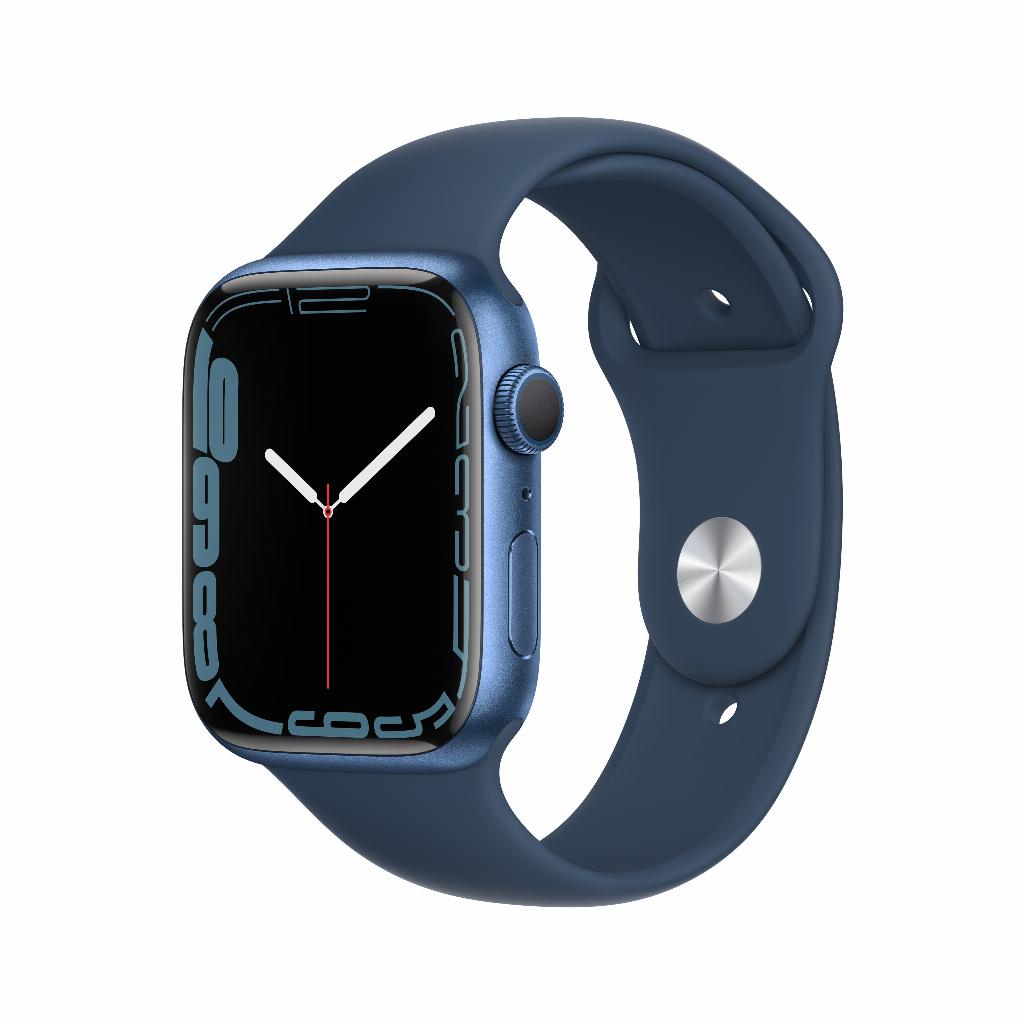

From gadget to indispensable assistant
Your new Apple Watch lies before you. Full of features, possibilities, and promises. You scroll through the settings. Breathe app, ECG monitor, activity rings. An overwhelming number of options. Most owners use their Apple Watch as an expensive watch with notifications. Nothing more.
But here's the catch: you think you have to understand everything before you truly benefit. That you have to invest hours in tutorials and manuals. The opposite is true. The best Apple Watch users focus on a handful of smart features that have an immediate impact. No complicated workouts or complex Siri commands . Just practical adjustments that improve your routine from day one.
From smart notification settings to using Apple Pay at the checkout, these ten tips will transform your watch from gadget to indispensable assistant in just a week.
Useful links
- iPhone cases - protect your iPhone optimally
- Apple Watch collection - discover different models
- Accessories - find the perfect complements
1. Personalize your watch face smartly
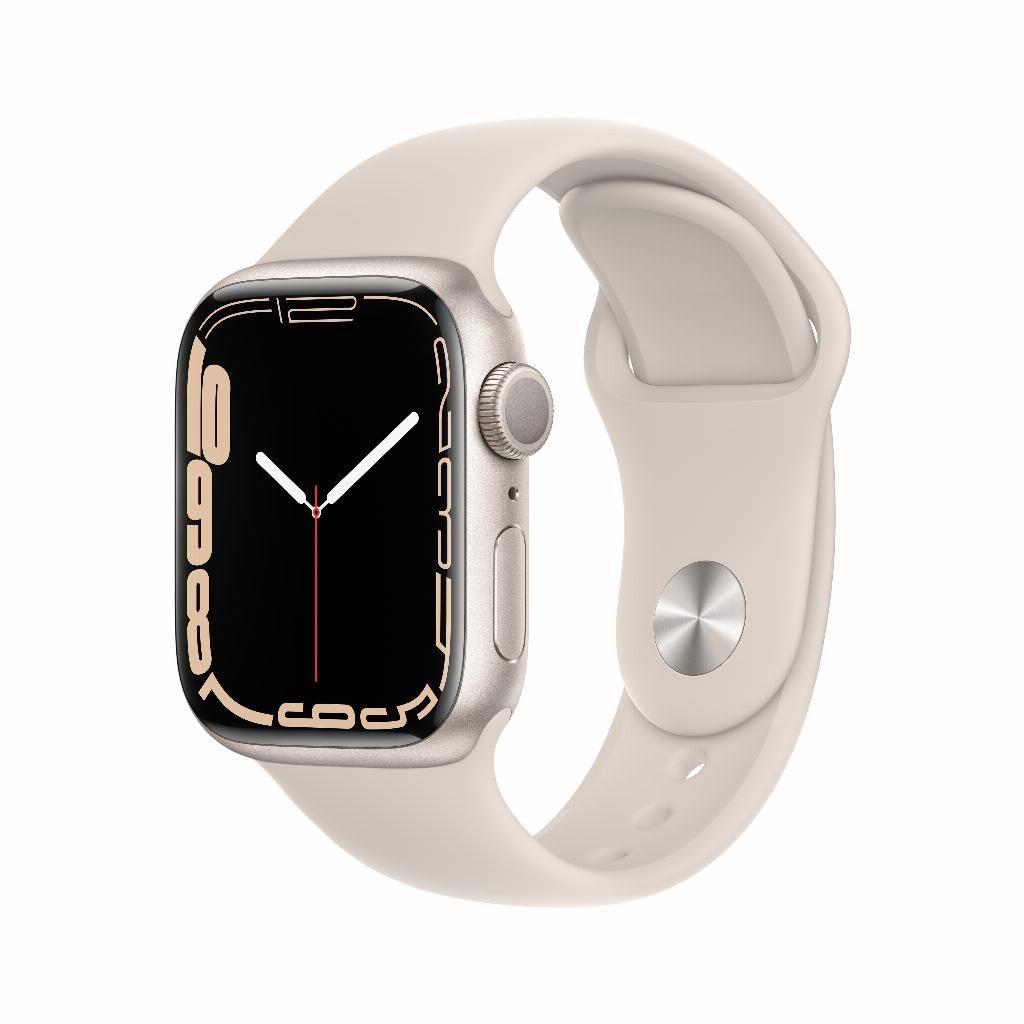
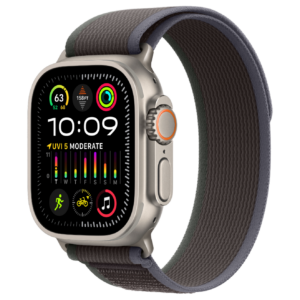
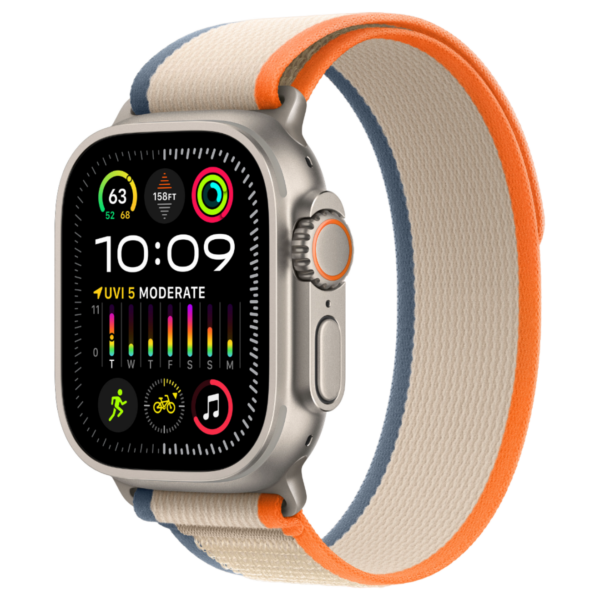
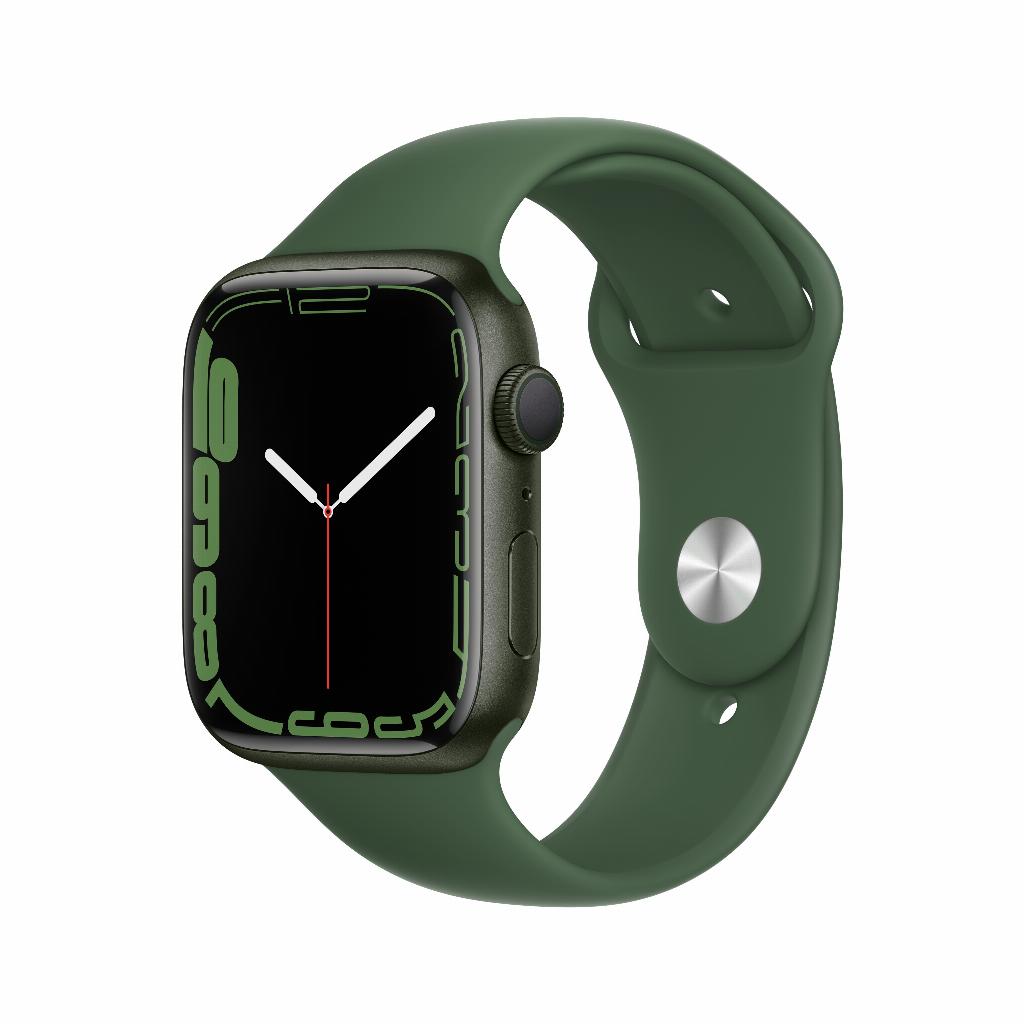
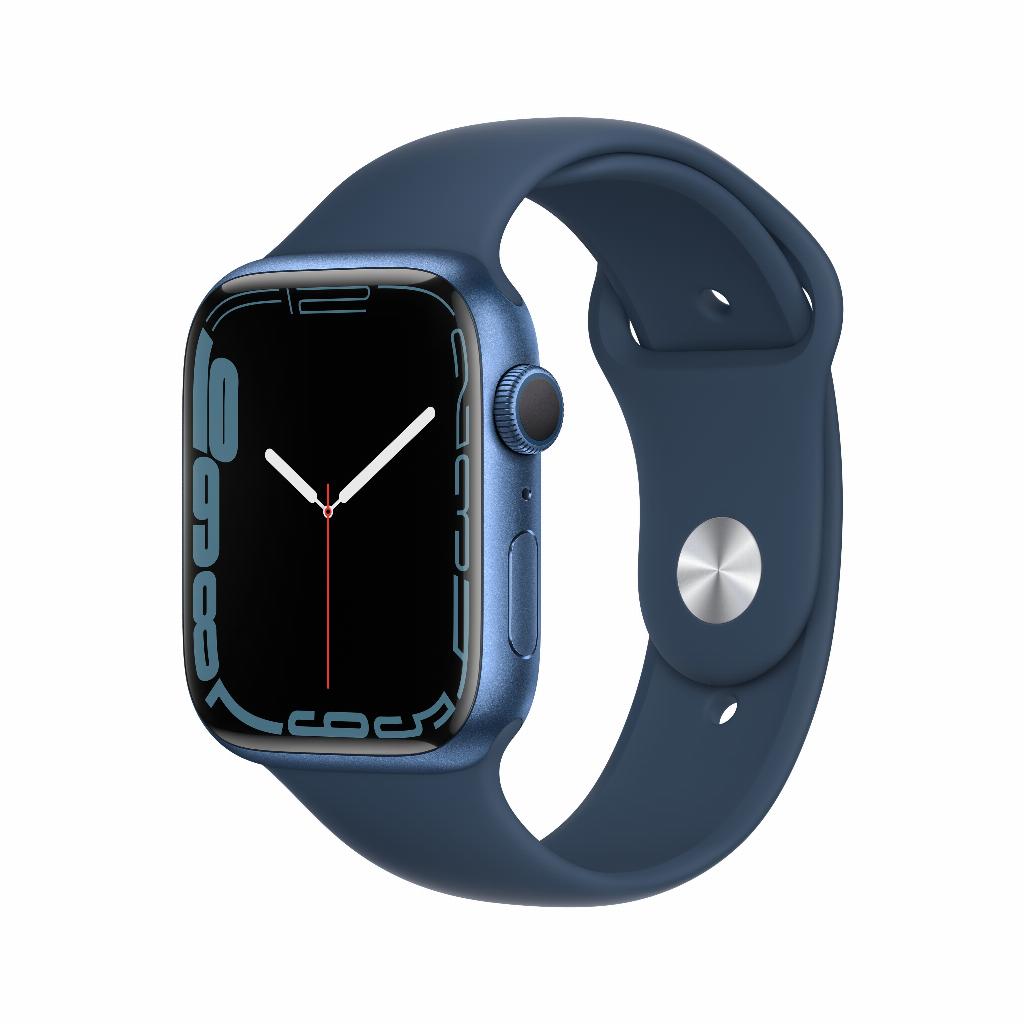
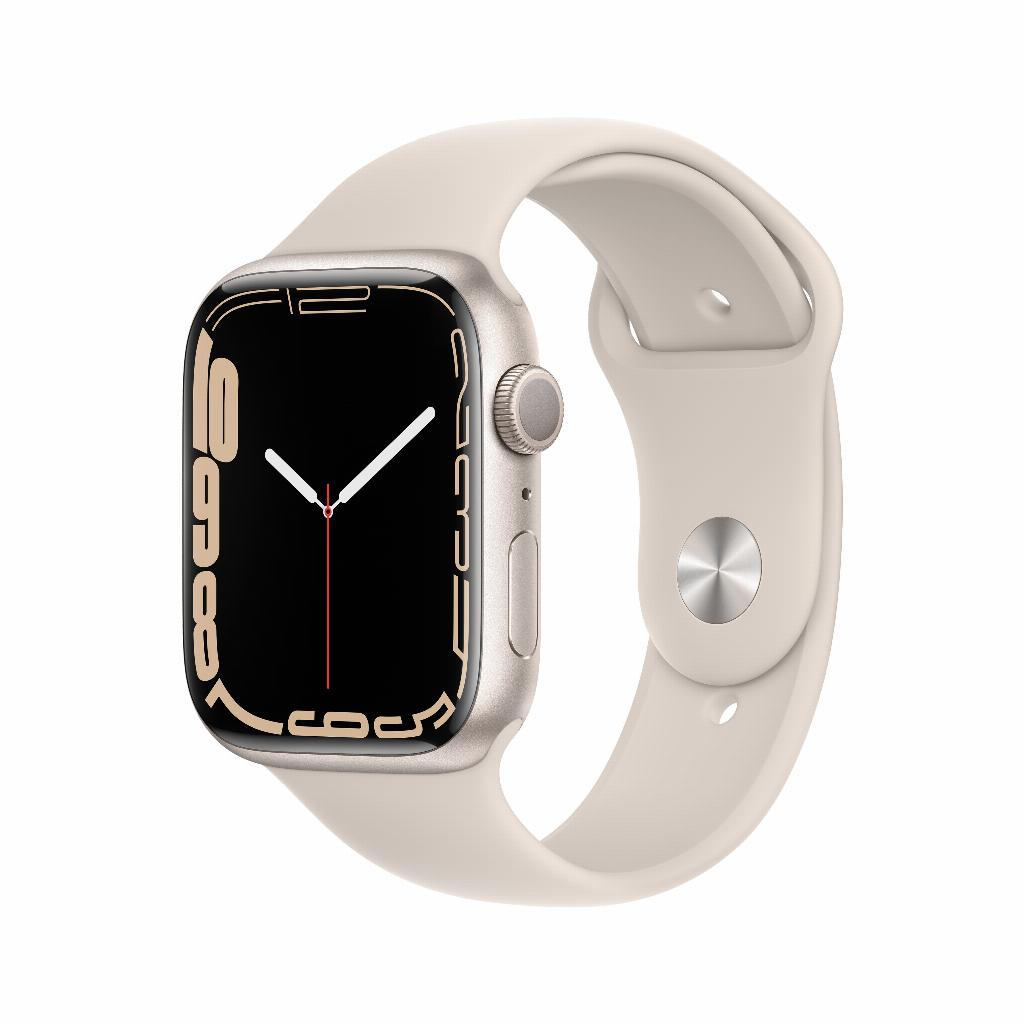
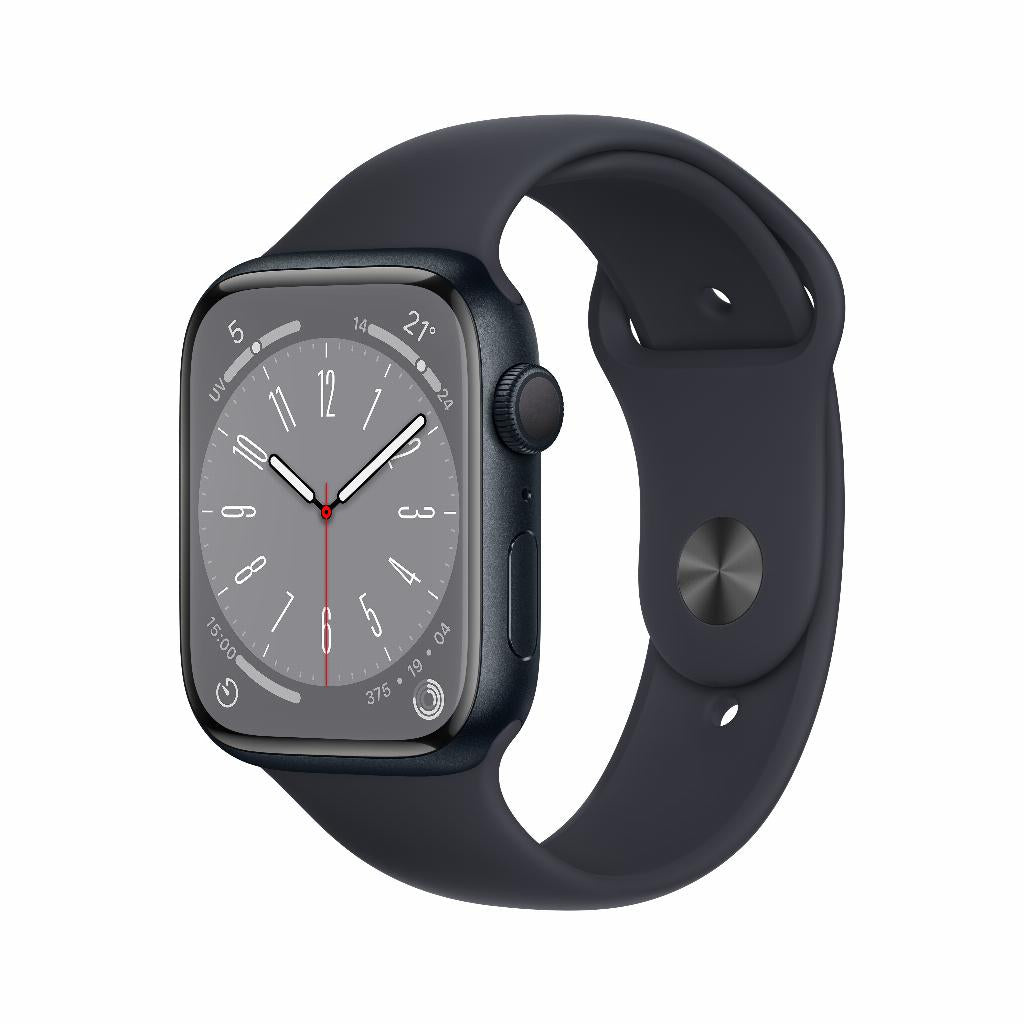
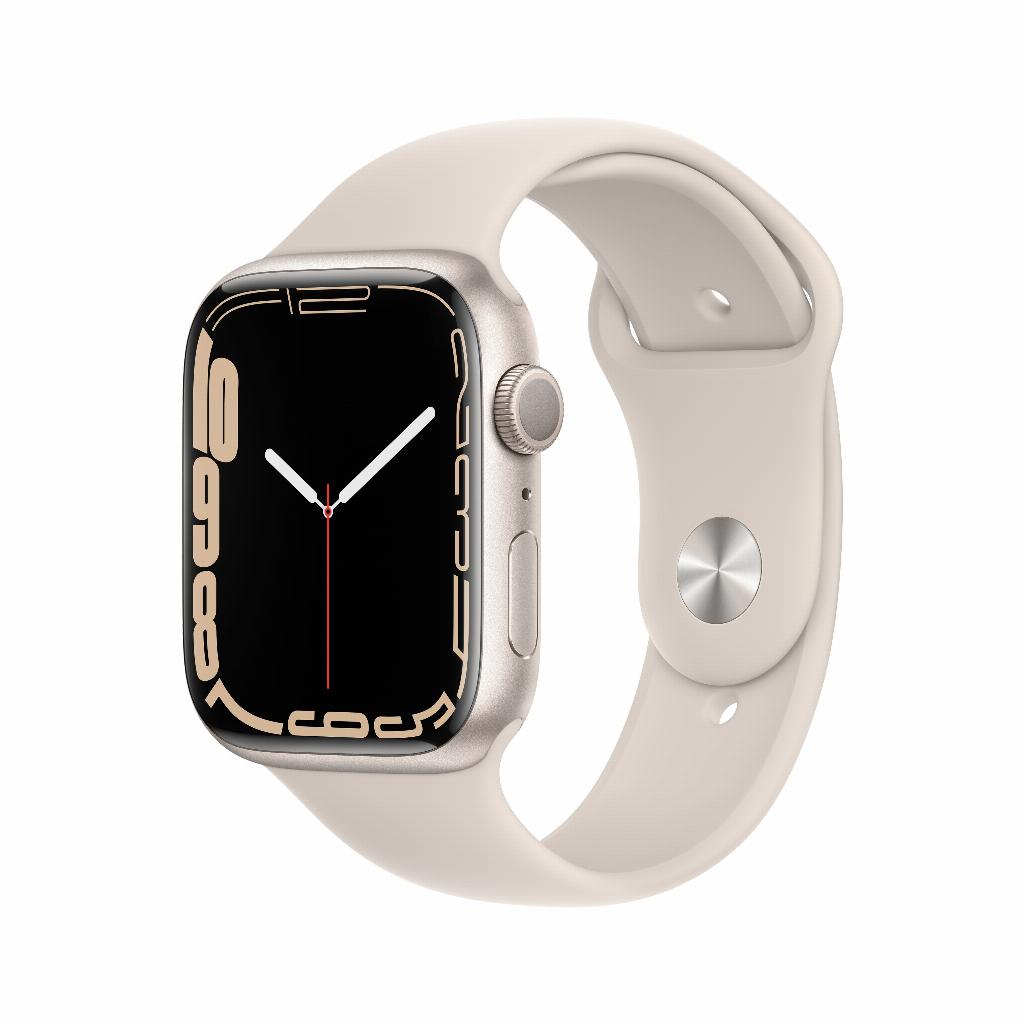
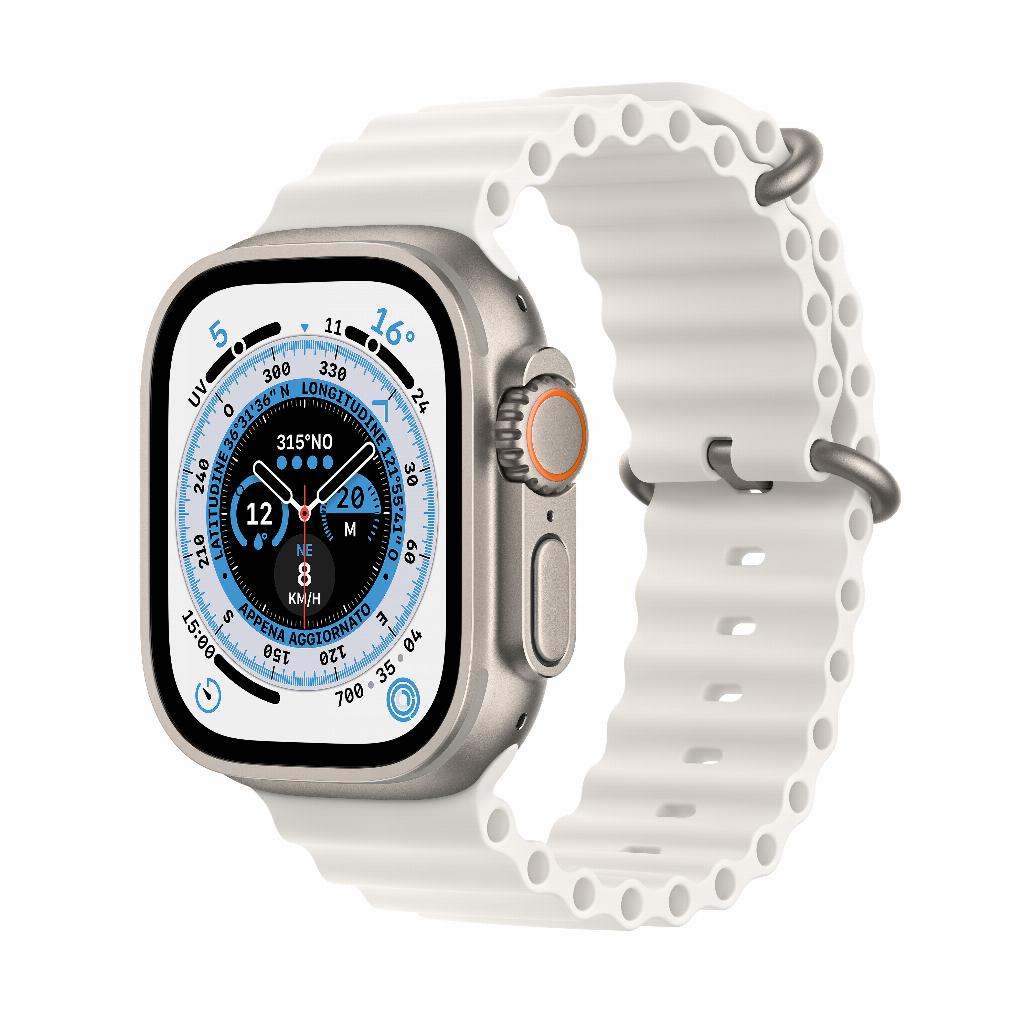
The watch face is the first thing you see every time you use your watch. Make it your priority. Don't just choose a pretty face; consider functionality. The Infograph Modular watch face, for example, offers space for eight complications. Place your most frequently used apps here: calendar, weather, activity rings, and timer.
Swipe from the screen to switch between different watch faces. Set a sporty look for workouts and a business look for workdays. Customize colors and complications using the Watch app on your iPhone. Experiment with different combinations until you find the perfect setup for your daily routine.
2. Control your breathing for better focus
The breathing app seems simple but is surprisingly effective. The watch gently taps your wrist to set the rhythm. Start with one-minute sessions, three times a day. Ideal during stressful work periods or before bed.
Set reminders through the Watch app. Choose times that fit your schedule: before an important meeting, during your lunch break, or in the evening on the couch. The app tracks your progress and shows patterns in your stress levels throughout the week.
3. Activity rings as daily motivation
The three colored rings are the heart of the fitness experience. Red for calories, green for exercise minutes, and blue for standing hours. Start realistically: set your exercise goal at 300 calories if you don't exercise much. Increase gradually once you consistently meet your goals.
The hourly standing reminder is valuable for office workers. The watch ticks after 50 minutes of sitting still. Take a quick walk to the kitchen or take a walk around the building. These short breaks improve your concentration and reduce back pain.
4. Use Siri without shame
Siri on your wrist works differently than on your phone. Feel free to whisper to your watch; it'll understand you perfectly. Press and hold the Digital Crown or say "Hey Siri" followed by your command. Practical commands: "Set a timer for 10 minutes," "Remind me to buy milk," or "Call my partner."
Set up shortcuts in the Shortcuts app for more complex tasks. For example, create a shortcut like "I'm coming" that automatically sends your estimated arrival time to your partner. These shortcuts save time and make Siri truly useful.
5. Make full use of water resistance
Your watch is water-resistant, so use that advantage. Shower with it, swim with it, exercise with it in the rain. The Swim Training app tracks laps, distance, and calories burned. After swimming, turn the Digital Crown to blow water out of the speaker.
Enable Water Lock for swimming activities via the Control Center. This prevents unwanted contact with water droplets. Series 2 and newer are suitable for swimming up to 50 meters deep. Avoid hot water such as saunas and hot tubs.
6. Sleep tracking for better sleep
The Sleep app does more than just count hours. Set a sleep schedule with consistent bedtimes. The watch reminds you when it's time to wind down. The Wind Down feature automatically dims your screen and silences distracting notifications.
In the morning, you'll immediately see your sleep quality: deep sleep, REM sleep, and waking periods. Patterns become visible after a few weeks. Do you notice you sleep poorly after late meals? Or better after an evening walk? These insights will help you improve your sleep quality.
7. Streamline notifications for peace of mind
By default, your watch forwards all iPhone notifications. This leads to constant interruptions. Open the Watch app and turn off notifications for social media, news apps, and games. Keep only essential apps: messages from favorite contacts, calendar appointments, and important work apps.
Use Theater Mode during movies or meetings. The screen stays off until you touch it. Focus modes sync between your iPhone and watch. Set a Work focus that only lets colleagues through, or a Sleep focus that blocks everything except emergencies.
8. Taking health monitoring seriously
The heart rate monitor runs continuously in the background. You'll receive a notification if any abnormal values are detected. A high resting heart rate can indicate stress or illness. A low heart rate during activity suggests good fitness. Check your heart rate history regularly in the Health app.
The ECG function (from Series 4 onwards) accurately measures your heart rhythm. Simply place your finger on the Digital Crown for 30 seconds. You can share the result as a PDF with your doctor. Use this if you experience palpitations or irregular heartbeats. Fall detection can be life-saving for older users.
9. Apple Pay as default payment method
Contactless payments with your wrist are faster than picking up your phone. Add your debit card via the Wallet app. Double-click the side button at a payment terminal. The watch vibrates upon successful payment. No PIN is required for purchases up to €50; above that, the system will ask for verification.
Set Apple Pay as your default travel method for public transport. Check in and out without having to find your wallet. Works with NS, GVB, RET, and other carriers. Your travel history is automatically saved in the Wallet app.
10. Selectively choose and use apps
The Watch App Store contains thousands of apps, but more isn't always better. Only install apps that truly add value to your wrist. Think Spotify for music while running, Citymapper for public transport, or Waterminder for hydration reminders.
Remove pre-installed apps you don't use through the Watch app. This saves storage space and makes your app overview clearer. Organize remaining apps in a logical grid. Place your most frequently used apps in the center for quick access.
Practical considerations
Charging your watch every night while you sleep is fine if you're not using sleep tracking. Otherwise, charge it while showering or eating breakfast. A second charger at the office prevents battery life stress. The battery lasts about 18 hours with normal use.
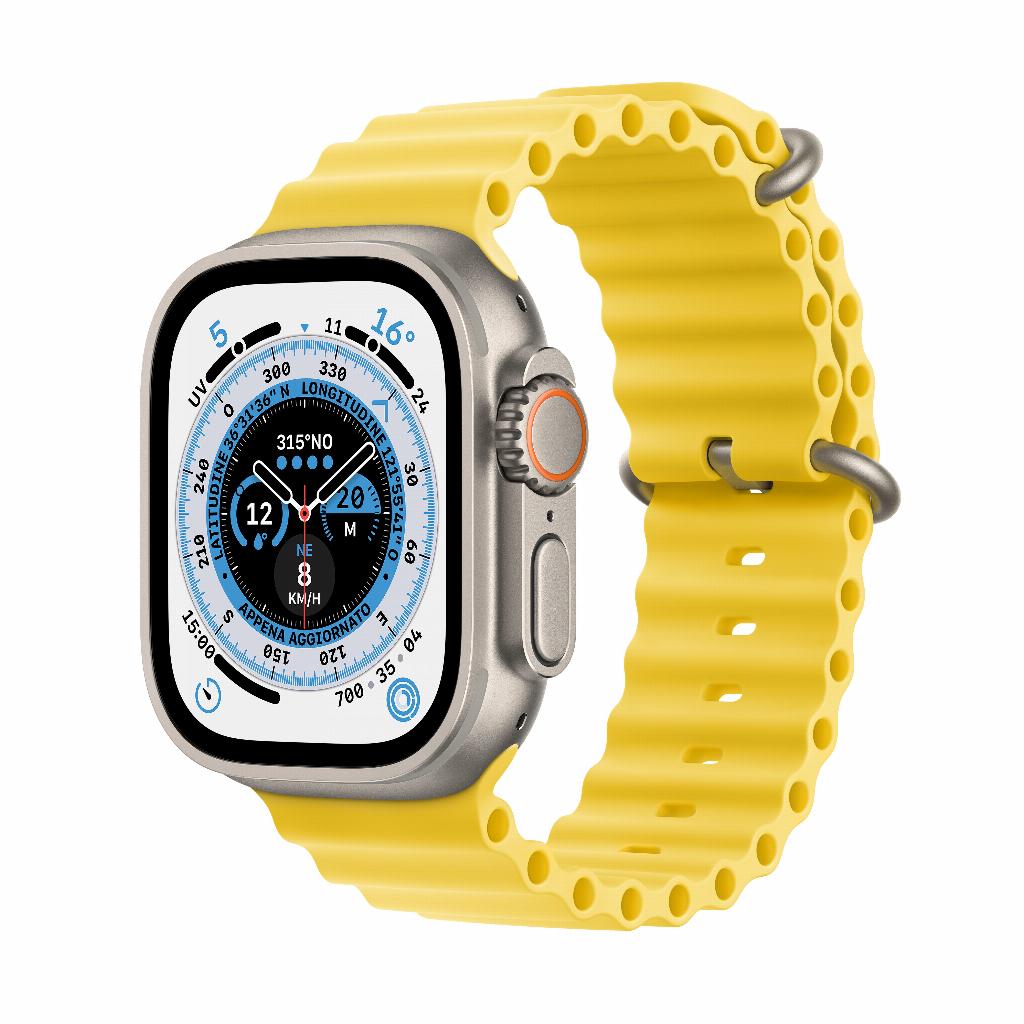
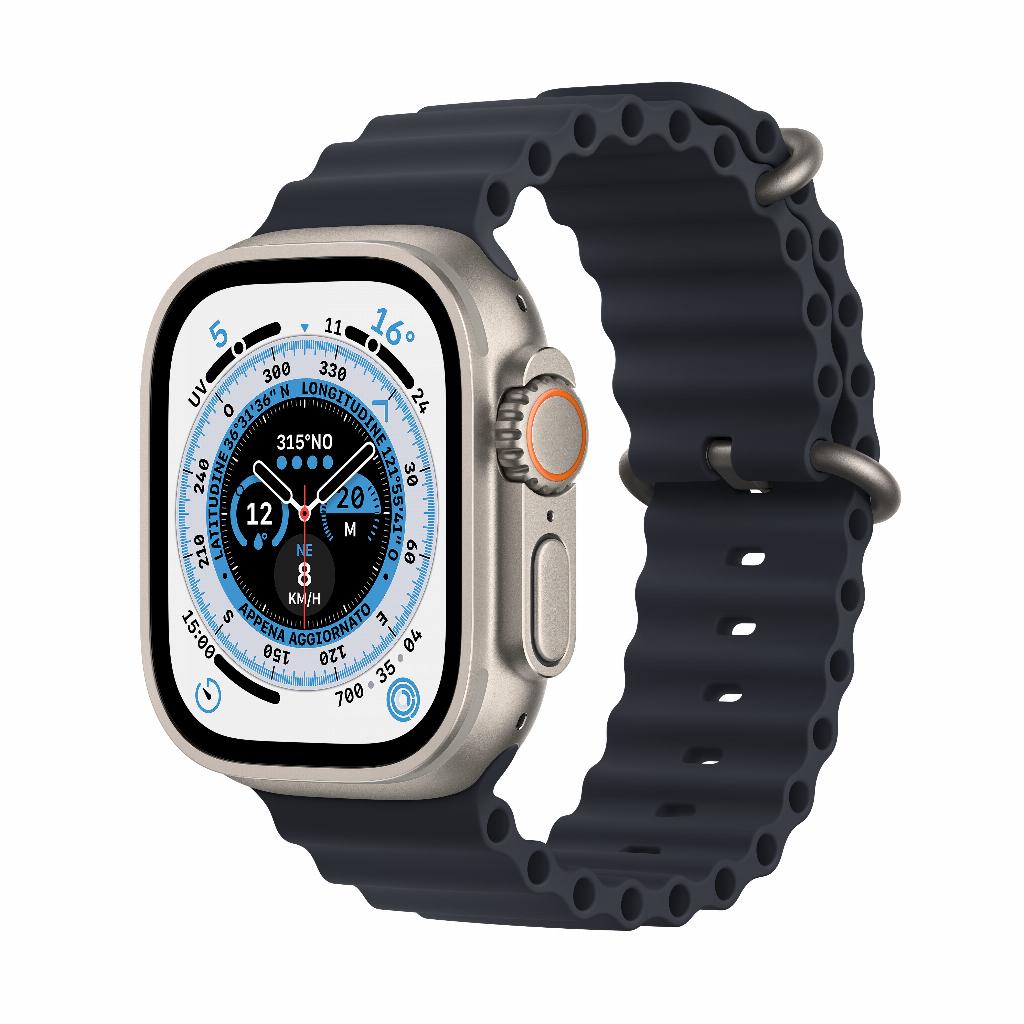
Clean your watch weekly with a damp cloth. Change straps regularly for hygiene and variety. Exercise with a sports band, work with a leather strap. This prevents skin irritation and keeps your watch fresh.
Focus on what works for you
Your Apple Watch only truly becomes valuable when you stop trying to use everything . Focus on the features that fit your life. Start with a smart watch face, set realistic activity goals, and disable unnecessary notifications.
Gradually add features like sleep tracking or Apple Pay when you're ready. Within a week, you'll notice the difference: your watch works for you, not the other way around. From gadget to actual assistant—without the overwhelm of hundreds of options you don't use anyway.