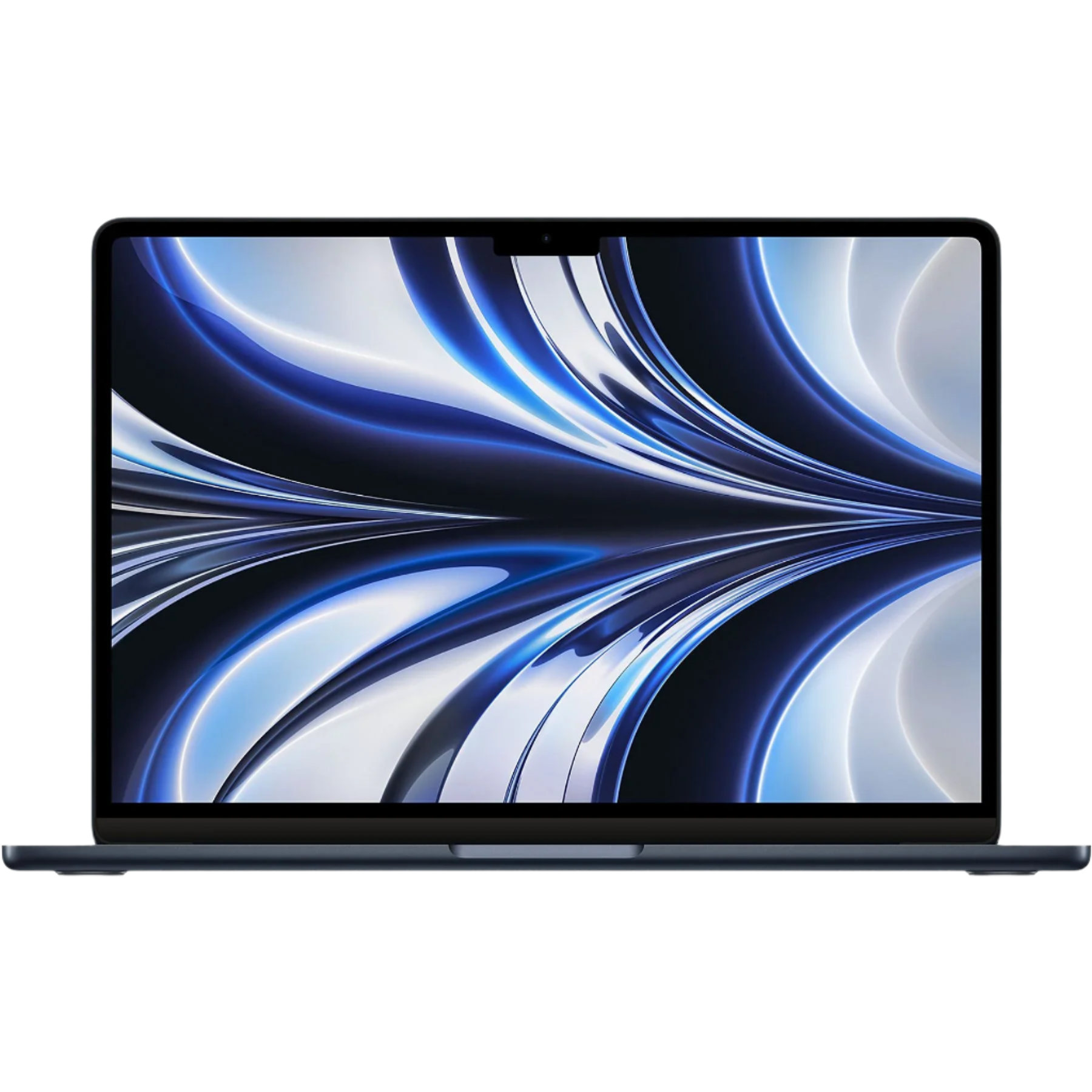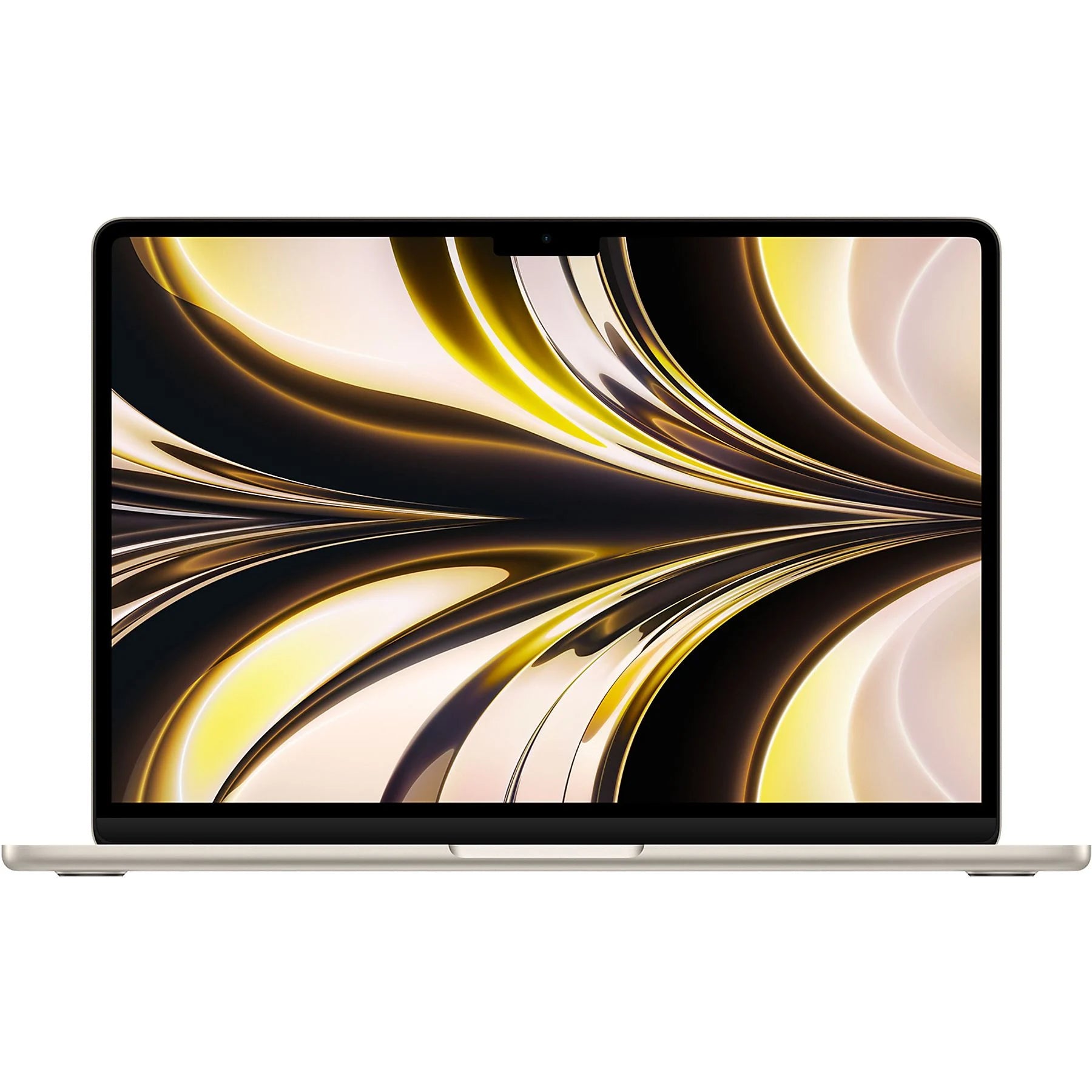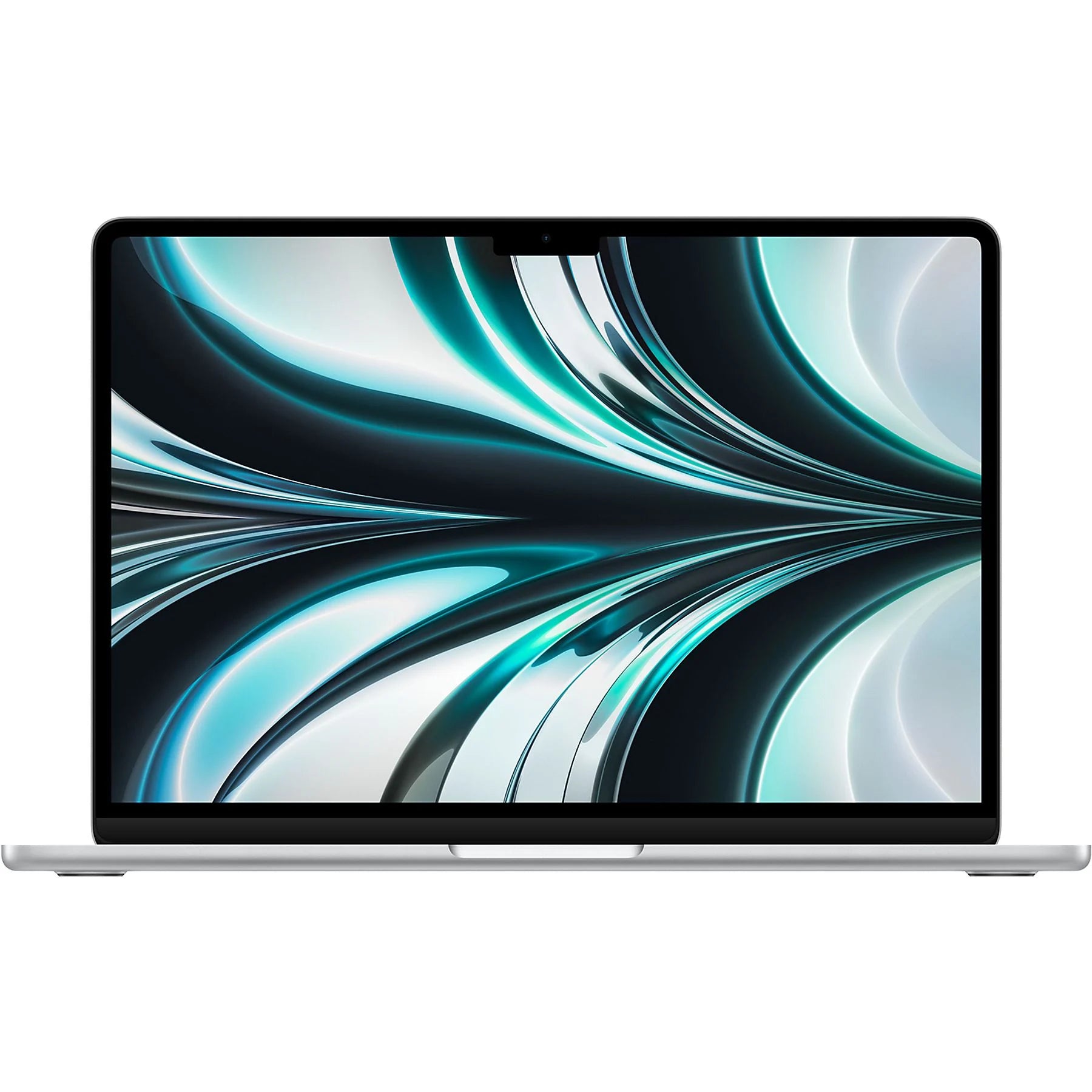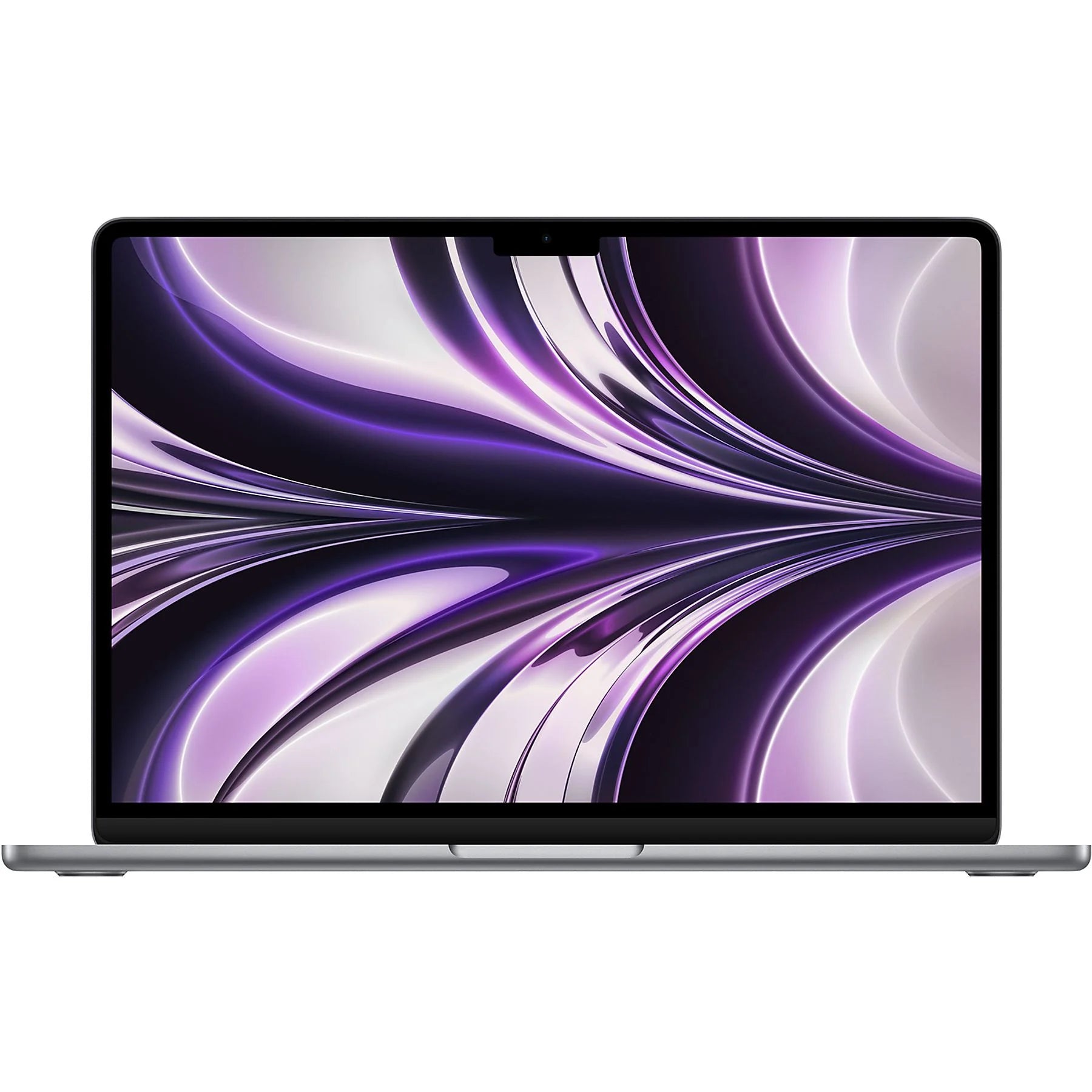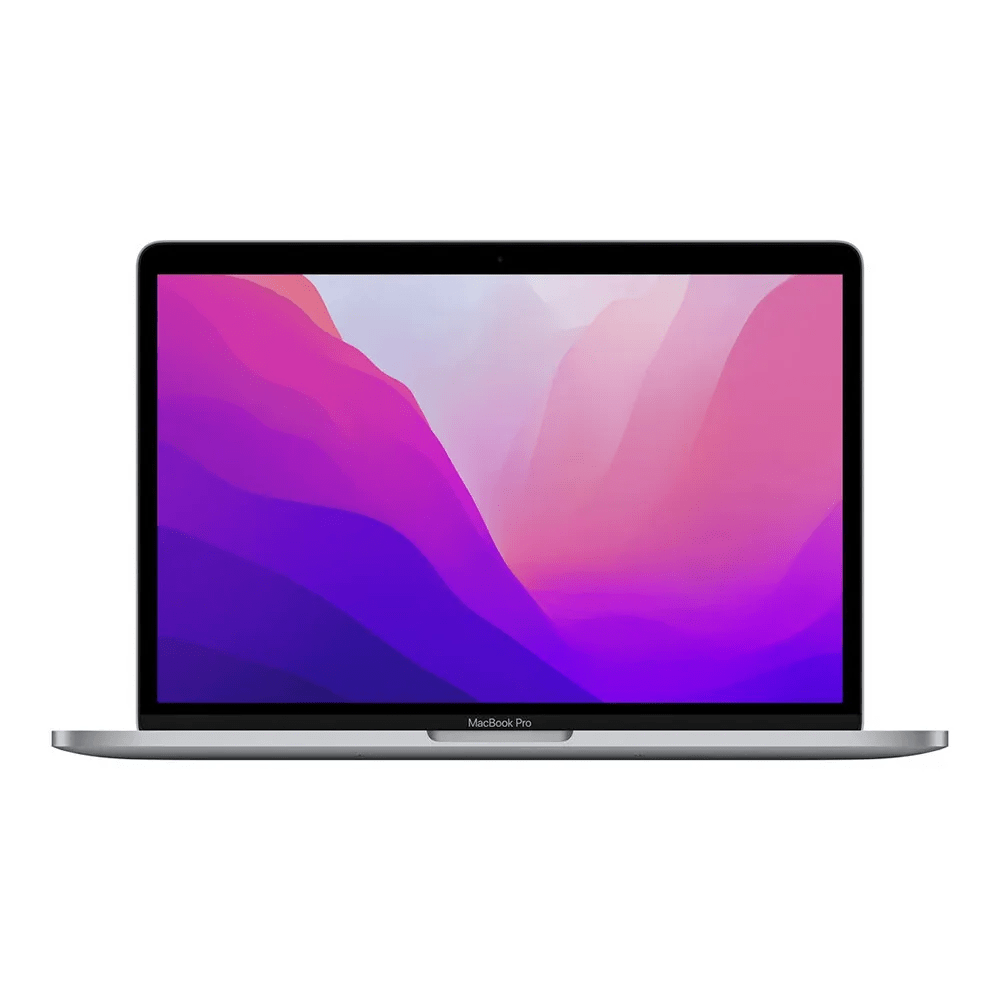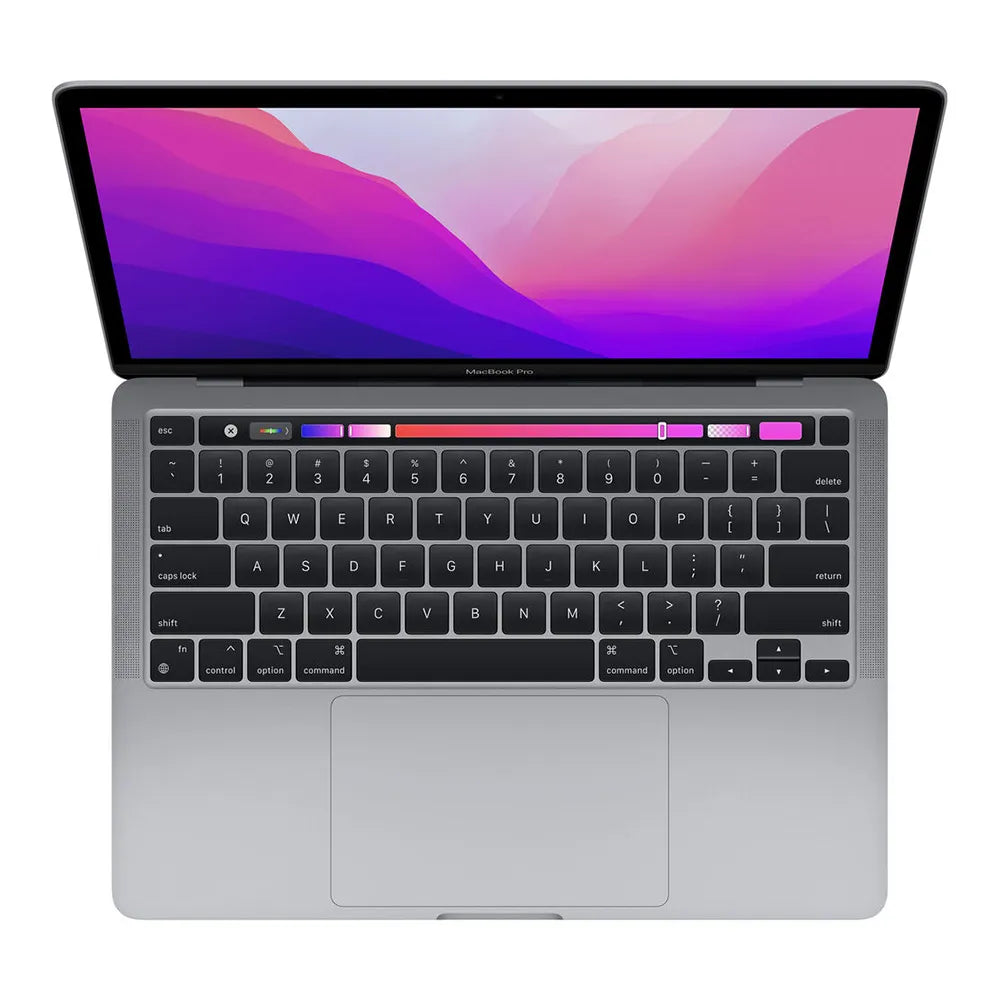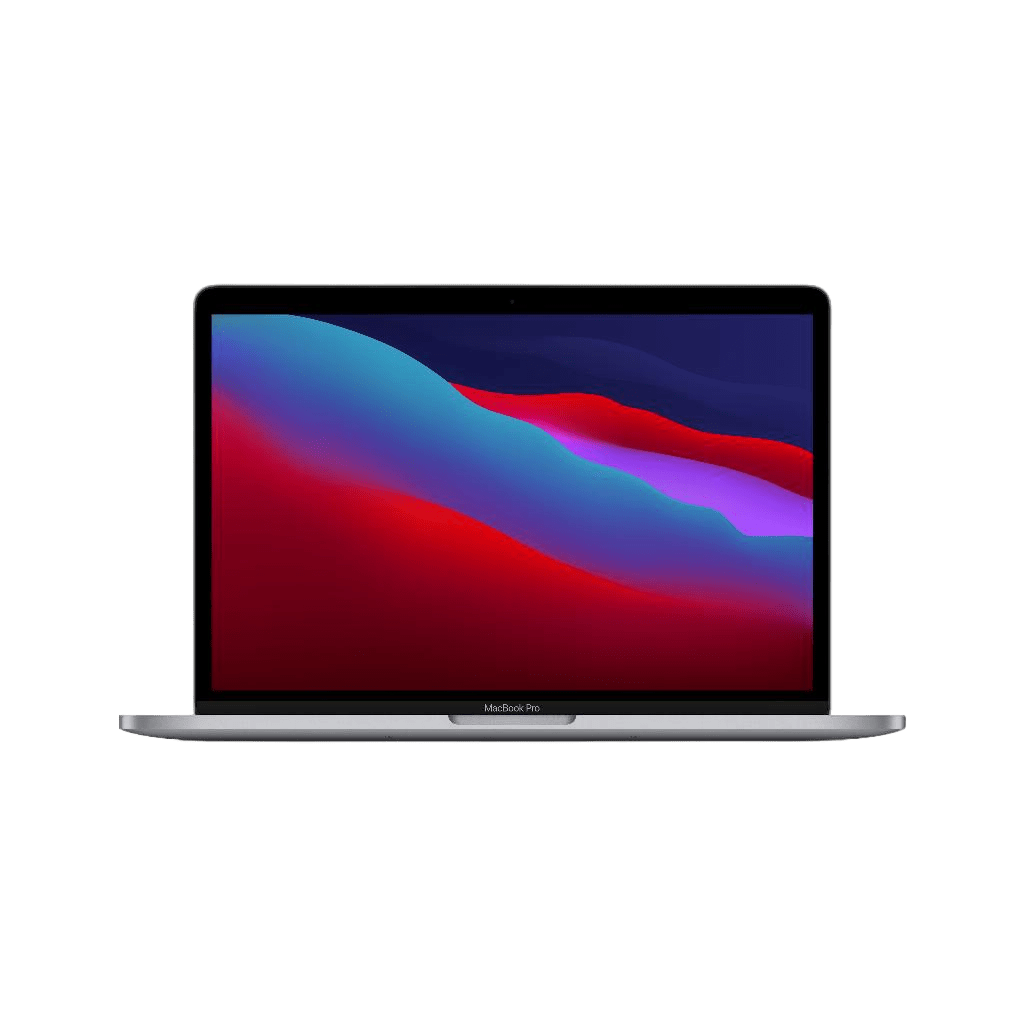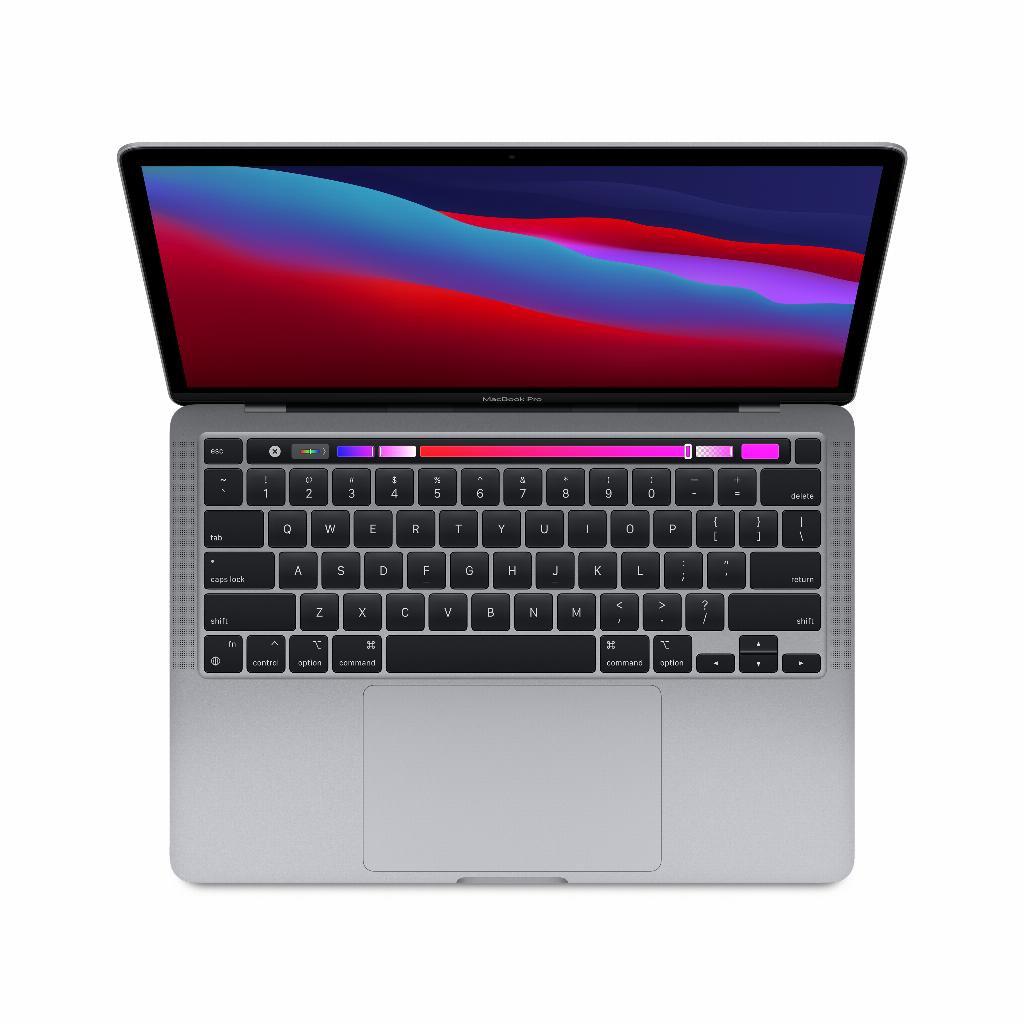

The MacBook myth debunked
You think you have it all figured out. MacBook Air for studying, Pro for heavy work. Done. But reality proves more stubborn. That 2022 Air effortlessly plays 4K video. That expensive Pro from three years ago already gasps during Teams meetings. The specs only tell half the story.
But here's the thing: the best MacBook isn't the one with the thickest processor or the latest model. It's the one that suits what you actually do—not what you think you'll do. That means being honest about your usage. Scrolling through social media and watching Netflix? Then you're paying too much for a Pro. Professional photography? Then you'll be missing out on processing power with an Air.
And don't forget: the money you save on a smart choice can go towards better accessories or those AirPods you've been eyeing for months.
Useful links
Which MacBook suits your needs?
Choosing a MacBook starts with an honest assessment of your daily usage. Many people overestimate their computing power needs, while others are too frugal and later encounter limitations. The difference between the Air and Pro lines is shrinking, especially since the introduction of the M chips.
For students and home workers, the MacBook Air is often more than sufficient. This model easily handles word processing, browsing, videoconferencing, and even light photo or video editing. The battery life of modern Air models is impressive: you can easily get a full workday without needing a charger.
Professional creatives have different needs. If you work daily with demanding programs like Final Cut Pro, Logic Pro, or Adobe Creative Suite, investing in a Pro model is worthwhile. The difference isn't just in pure speed, but also in cooling and durability under long-term use.
M1, M2 or M3: which chip do you choose?
The chip you choose largely determines your laptop's performance. The 2020 M1 chip remains surprisingly capable for most users. This processor runs modern software smoothly and is energy-efficient. For everyday use, you'll barely notice a difference compared to newer versions.
The M2 offers approximately 20% more performance than its predecessor. This difference is especially noticeable during graphics-intensive tasks like video rendering or 3D modeling. For office work or studying, this difference is negligible.
The latest M3 chips excel at specific tasks like ray tracing and machine learning. Unless you're using the very latest software that utilizes these features, you're primarily paying for future-proofing.
Memory and Storage: How Much Do You Need?
Regarding memory, 8GB is the minimum for basic use, 16GB provides breathing room for multitasking, and 32GB or more is only necessary for professional workloads. Note: Memory is not expandable after purchase, so choose wisely.
Storage options depend heavily on your workflow. Do you primarily work in the cloud? Then 256GB is sufficient. Do you store large files locally? Consider at least 512GB. Video editors and photographers often need 1TB or more.
Screen size: portability vs. workspace
The 13-inch models are perfect for portability. They fit in almost any bag and are lightweight. The screen is large enough for productive work, especially with the high resolution of modern MacBooks.
The 14-inch MacBook Pro strikes a good balance. The extra screen real estate makes a noticeable difference for creative work, while still remaining portable.
The 16-inch model is the workhorse choice. This size is ideal for those who primarily use their laptop as a desktop replacement. The large screen is convenient for long periods of use, but its portability is limited.
Considering refurbished: saving smart
A refurbished MacBook can save you hundreds of euros without compromising on quality. These devices have been professionally inspected, cleaned, and repaired where necessary. They often come with a new battery and warranty.
The difference between a refurbished model from a generation ago and the latest model is barely noticeable for most users. You get the same build quality, the same screen, and often comparable performance for a fraction of the price.
When is the best time to buy?
Apple follows a fairly predictable release pattern. New models usually appear in the fall or spring. Immediately after a new release, prices for older models, both new and refurbished, drop.
Summer is a great time for students because of back-to-school promotions. Business users often benefit from end-of-year budgets in December.
Accessories that make a difference
Don't forget to budget for essential accessories. A good spare charger for the office will save you from lugging it around every day. A protective case or sleeve will extend the life of your investment.
For those working from home, an external monitor is a valuable addition. This significantly expands your workspace without compromising your laptop's portability. A dock or hub addresses the lack of ports on modern MacBooks.
Making the right choice
Ultimately, it all comes down to your personal situation. A computer science student has different needs than a graphic designer or a manager. Analyze your current computer usage over the course of a week. Note which programs you use, how many tabs you have open, and when your computer feels slow.
Also consider the lifespan. Planning on using the laptop for five years? Then invest in something with a bit more capacity. Switching gear every two years? Then a more modest model will suffice.
When deciding between two models, choose more memory over a faster processor, and a larger screen if you primarily work from home. These choices have the greatest impact on daily satisfaction.
The right MacBook for your situation
There's no such thing as the perfect MacBook, but there is the right one for your situation . Whether you choose a refurbished MacBook Air for your studies or a powerful Pro for professional work, base your choice on actual use, not on aspirations.
An M1 chip is often perfectly sufficient, 16GB of memory gives you breathing room, and the money you save by making a well-considered choice is better invested in good accessories . Look honestly at what you do, not at what you might do someday.