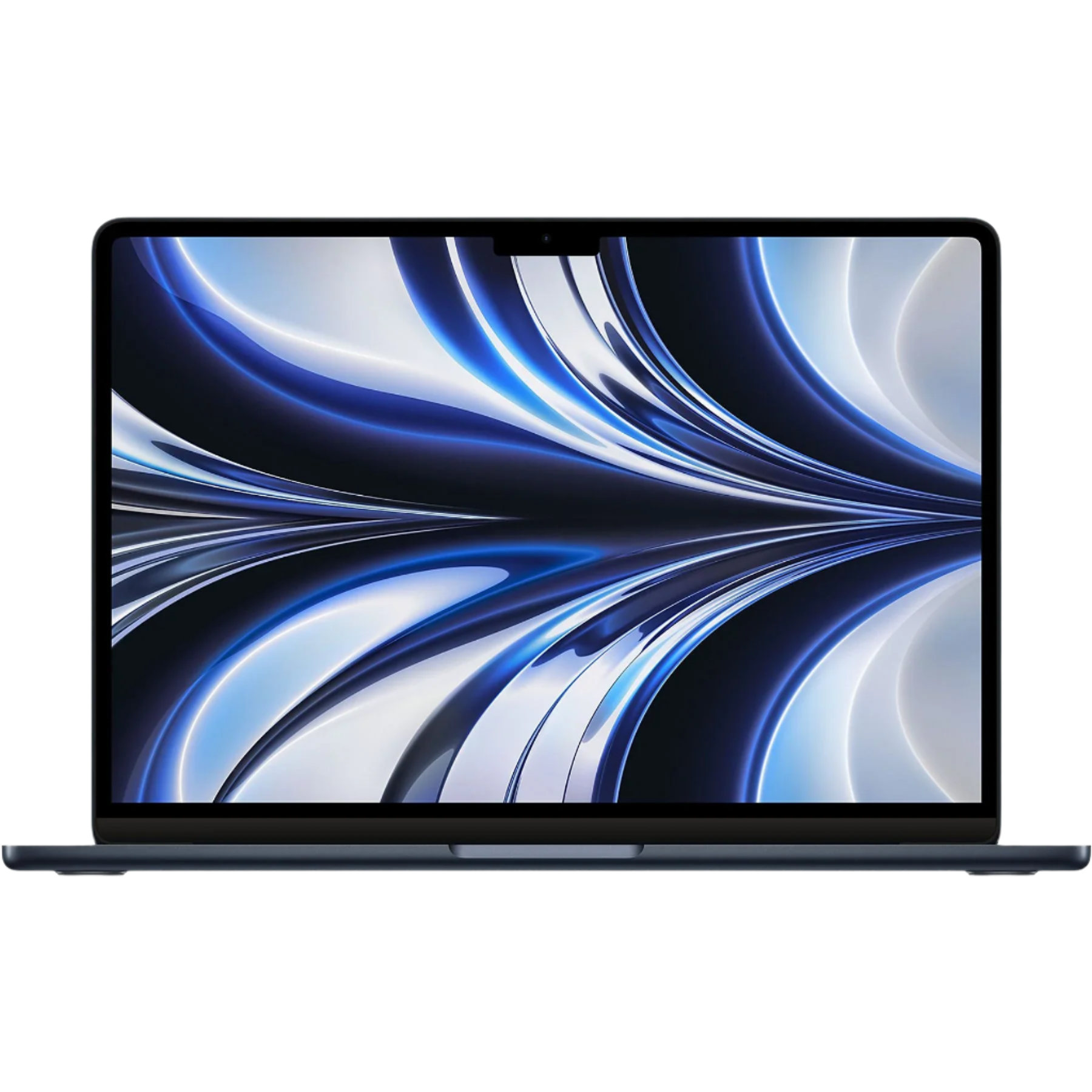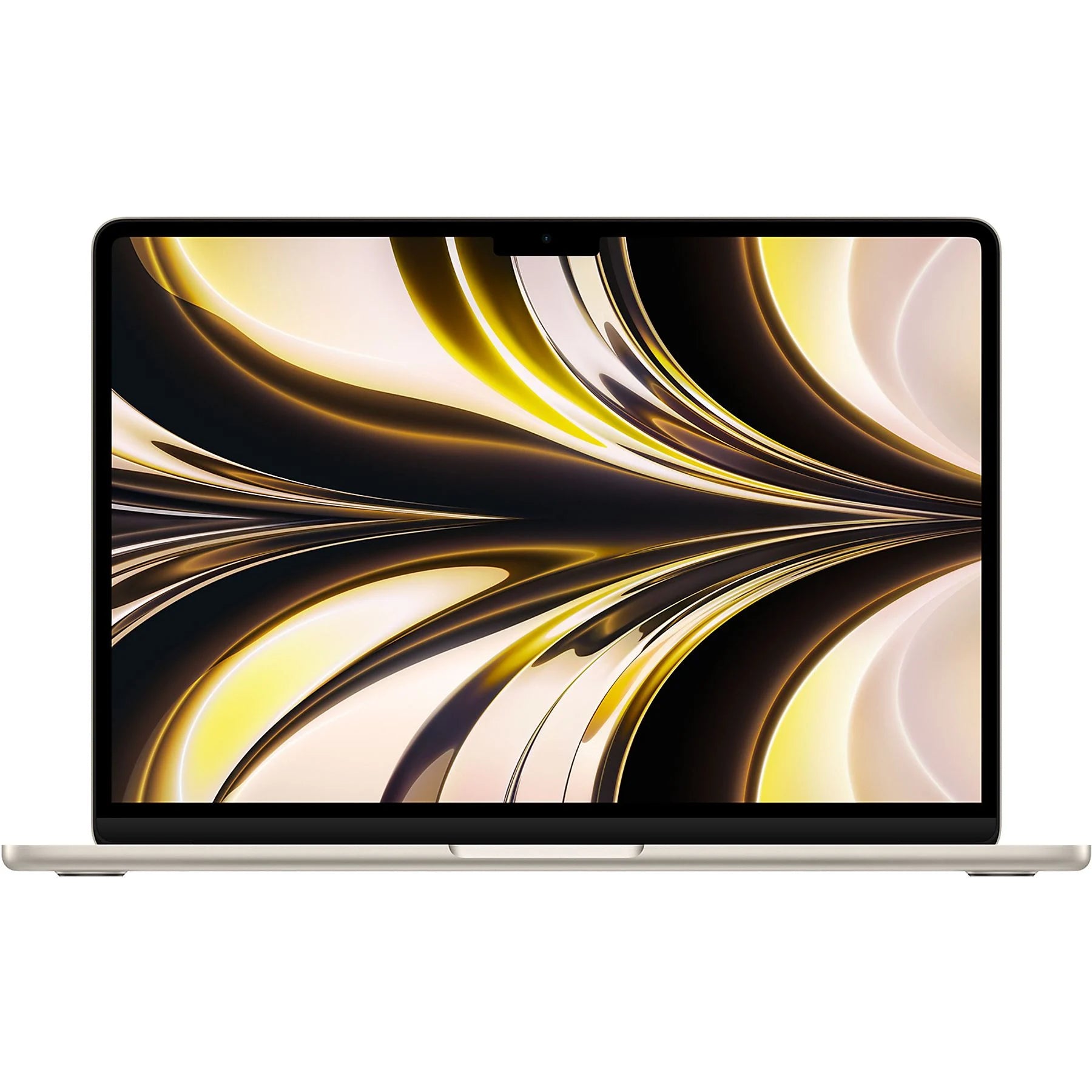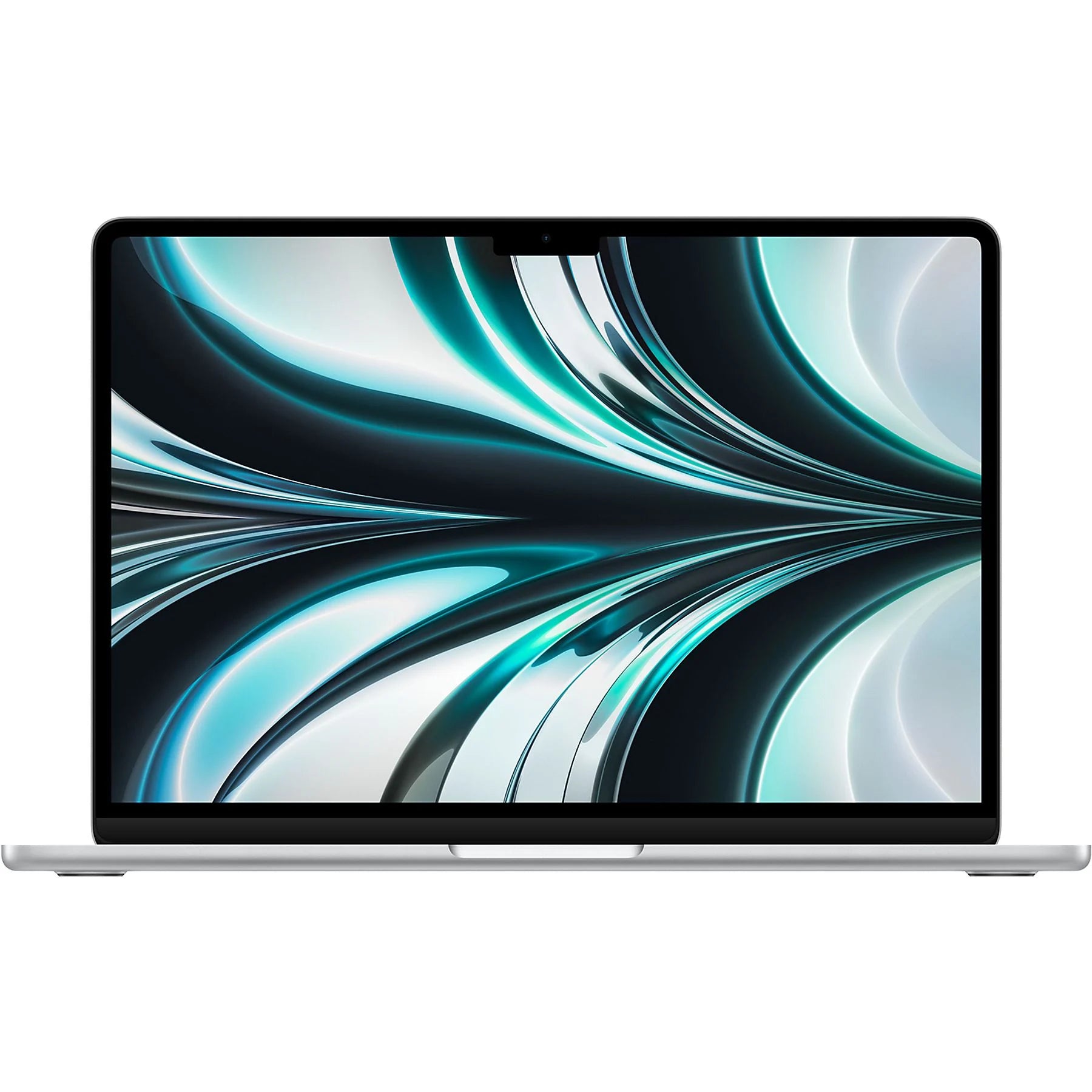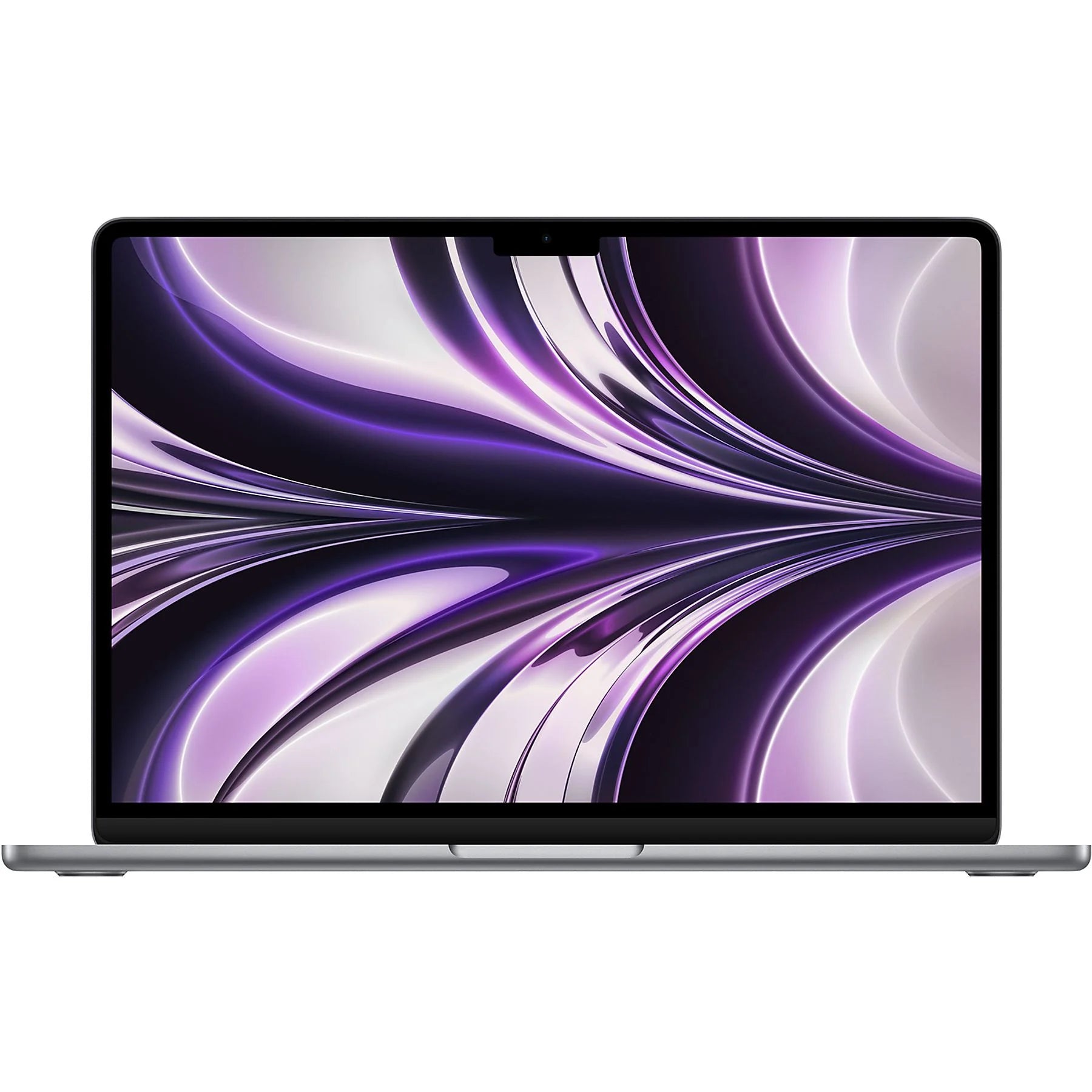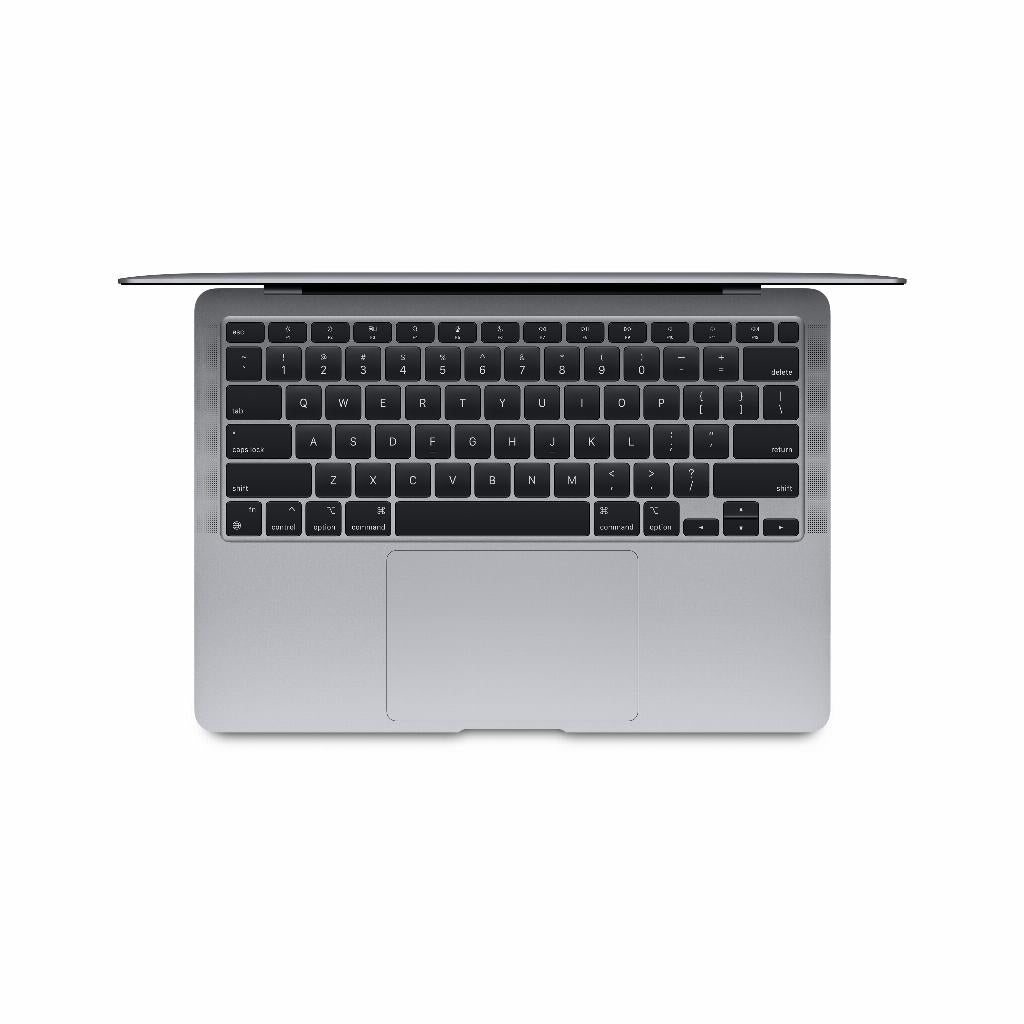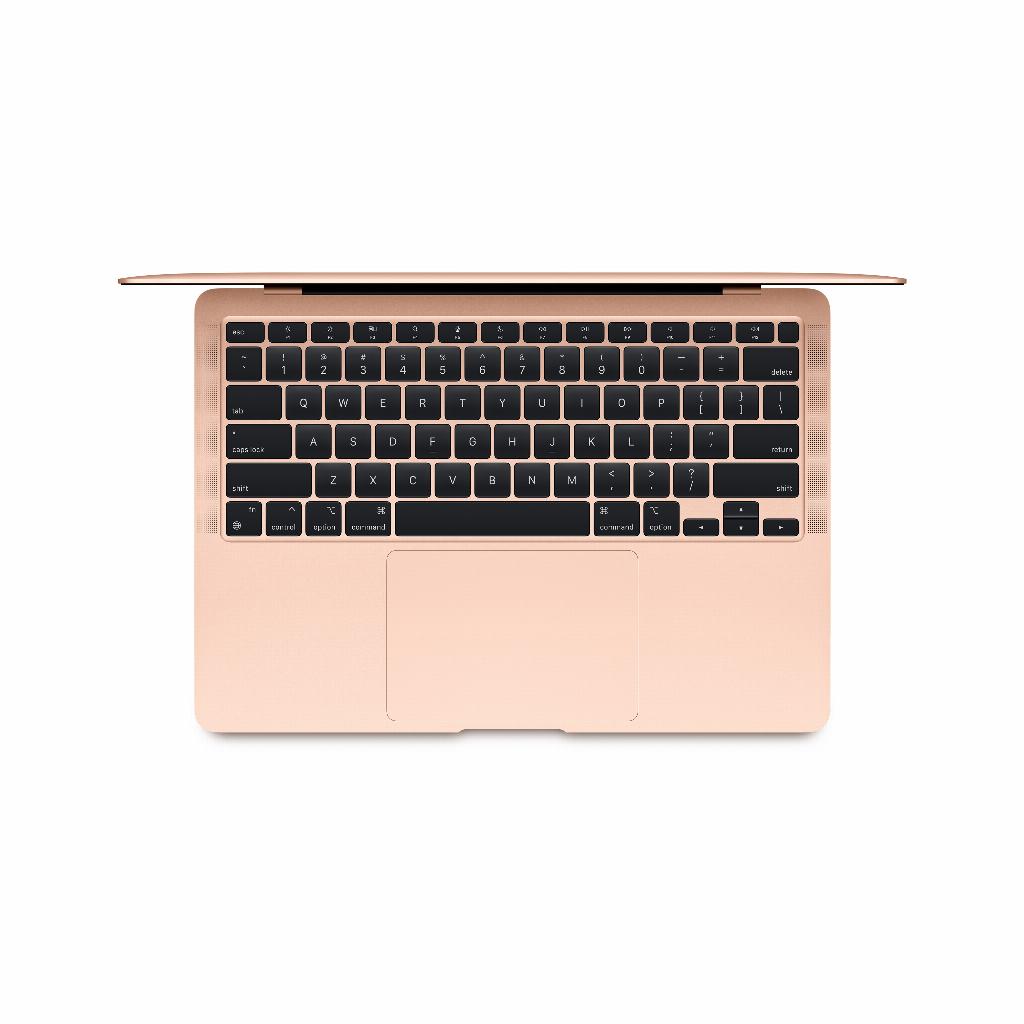

Stop comparing specs
You're about to spend thousands of euros on a laptop with specs you can't quite grasp. Intel Core i3 or i7? 8GB of RAM or 16GB? You're scrolling through the technical details of the 2020 MacBook Air, wondering what all this means for your Netflix evenings and Excel spreadsheets.
But here's what no one tells you: those expensive specs don't make a difference for 90% of users . In fact, that basic MacBook Air 2020 with standard specs probably does everything you need. And with the money you save, you can immediately buy useful accessories that do have a direct impact on your daily use. Or treat yourself to those AirPods you've been staring at for months . Because the truth is: it's not the processor that makes you more productive, but the right tools around it.
Useful links
The processor: the heart of your laptop
The 2020 MacBook Air comes standard with an Intel Core i3 processor clocked at 1.1 GHz. This is more than enough for most users. Think word processing, spreadsheet creation, browsing, and even light photo editing. This chip handles all these tasks flawlessly.
Want to upgrade to the i5 or i7? You'll pay a few hundred euros extra. The i5 offers 1.1 GHz quad-core performance, while the i7 runs at 1.2 GHz. The difference? You'll barely notice it in everyday use. You'll only see a gain during demanding tasks like video editing or programming.
Practical example
Opening a Word document takes about two seconds with the i3. With the i7? Also about two seconds. Only when you're running twenty Chrome tabs, Spotify, Excel, and Photoshop simultaneously does the difference become noticeable.
Memory: How much RAM do you need?
The standard 8GB of RAM is sufficient for most people. This model can easily multitask with several programs running simultaneously. Email, browser, music, and document editing? No problem.
Upgrading to 16GB of RAM costs about €250 extra. When is this worthwhile? If you:
- Editing large Excel files with thousands of rows
- Using multiple heavy programs at the same time
- Virtual machines running for development work
- Professional photo or video editing does
For watching Netflix, online shopping, and social media, 16GB doesn't add much value. You'd be better off spending that €250 on an external monitor or good headphones.
Storage: The choice between speed and space
The base version comes with 256GB of SSD storage. This may not seem like much, but remember: you can store photos and videos in iCloud. Documents take up very little space. For most users, 256GB is more than enough.
Storage distribution in practice
A typical distribution looks like this:
- System and apps: 50GB
- Documents: 10GB
- Photos local: 30GB
- Downloads and temporary files: 20GB
- Free space: 146GB
Upgrading to 512GB costs around €250, and upgrading to 1TB costs an extra €500. Consider a 1TB external SSD for €100. You can also use this for backups.
The Screen: Why Retina Matters
The 13.3-inch Retina display has a resolution of 2560 x 1600 pixels. This means text is razor-sharp and colors are displayed accurately. The difference compared to a standard screen? Huge. Once you get used to Retina, you won't want to go back.
True Tone technology automatically adjusts the color temperature. The screen becomes warmer in the evening and cooler during the day. This significantly reduces eye strain.
Battery life: the practice versus the promise
Apple promises up to 11 hours of battery life while browsing. In practice, you get:
- Word processing: 10-12 hours
- Watching video: 8-10 hours
- Heavy duty: 4-6 hours
- Mixed use: 7-9 hours
These figures apply to new devices. After two years of use, the capacity drops to approximately 80%. For refurbished models, we replace batteries that perform below 80%, so you always get good battery performance.
Connections: The Reality of USB-C
The laptop has two Thunderbolt 3 ports. This may not seem like much, but a single €40 USB-C hub solves this problem. You'll then get:
- Multiple USB-A ports
- SD card reader
- HDMI connection
- Extra USB-C port
Thankfully, the headphone jack has been retained. No more hassle with adapters for your favorite headphones.
Which configuration is for whom?
The basic user
i3, 8GB RAM, 256GB storage. Perfect for:
- Students writing papers
- Home workers with office work
- Seniors browsing and emailing
- Netflix viewers and social media users
The demanding user
i5, 16GB RAM, 512GB storage. Ideal for:
- Graphic designers (light work)
- Programmers
- Content creators
- Business users with heavy spreadsheets
The professional
i7, 16GB RAM, 1TB+ storage. Required for:
- Video editors
- Music producers
- Data analysts
- Developers with multiple projects
Considering refurbished: saving smart
A refurbished MacBook Air 2020 will easily save you €200-€400. This device has been thoroughly inspected, cleaned, and repaired where necessary. You get the same warranty as a new one.
You can invest the money you save in:
- A good laptop stand (30 euros)
- External monitor (200-400 euros)
- Wireless mouse and keyboard (100 euros)
- Protective cover and bag (50 euros)
These accessories have a direct impact on your daily comfort, much more than that extra processing power you probably never use.
Conclusion: choose wisely
The MacBook Air 2020 remains an excellent choice. For 90% of users, the base model is perfectly sufficient. Upgrade only if you have specific needs that impact your daily work. Invest in good accessories or save the money for your next upgrade in a few years.
Definitely consider a refurbished model. The savings are significant, and the quality is identical. At leapp, we thoroughly inspect every device, so you can get started with your new workhorse without any worries.
Why basic specs are enough
The MacBook Air 2020 remains a sensible choice, especially if you're not caught up in the specs hype. For most tasks, the base model is more than sufficient. Opting for a refurbished model saves you hundreds of euros without sacrificing quality.
Instead, spend that money on accessories that truly enhance your workspace . Ultimately, productivity isn't determined by the fastest processor, but by how comfortably you can work . And you achieve that with the right tools for your MacBook, not with unnecessary upgrades.