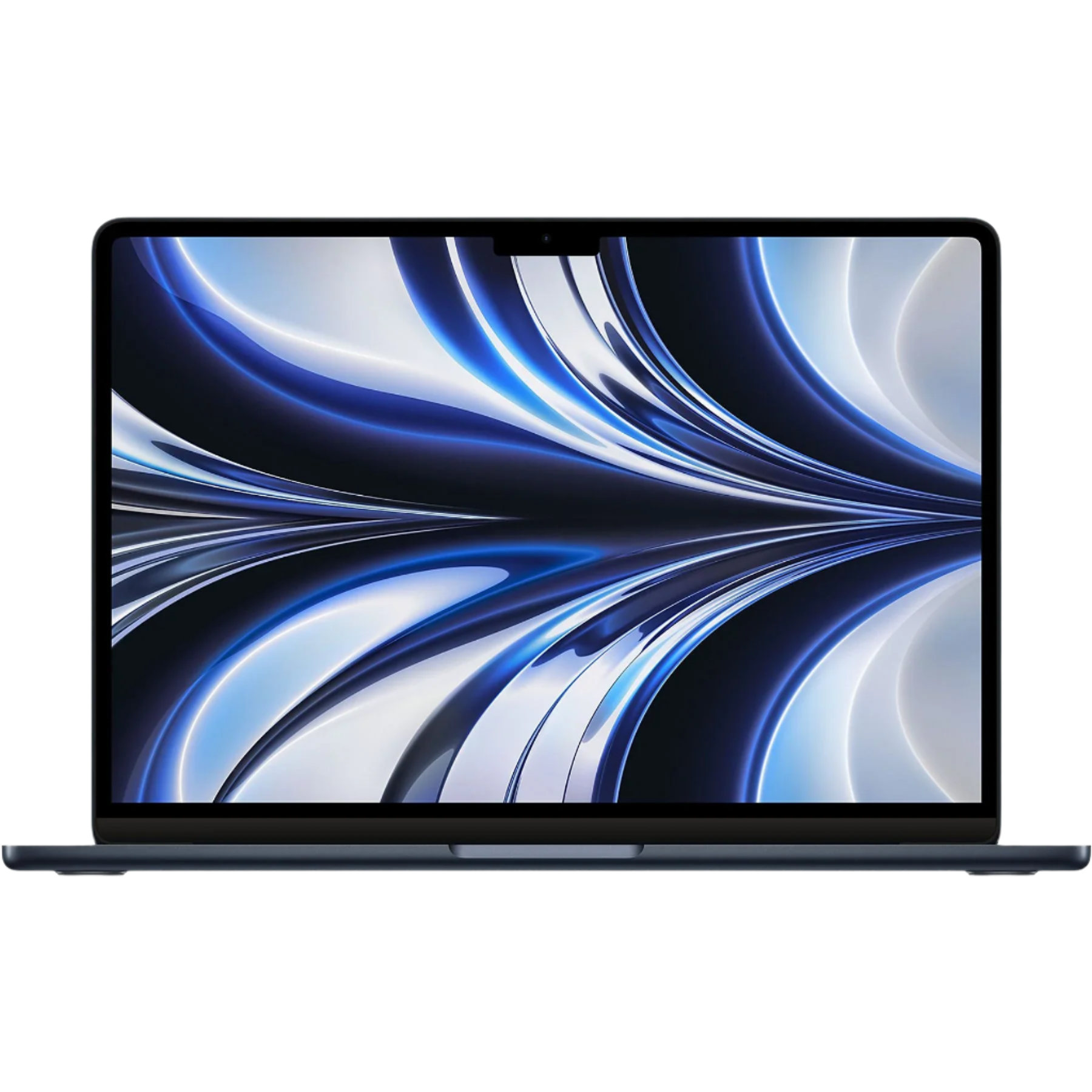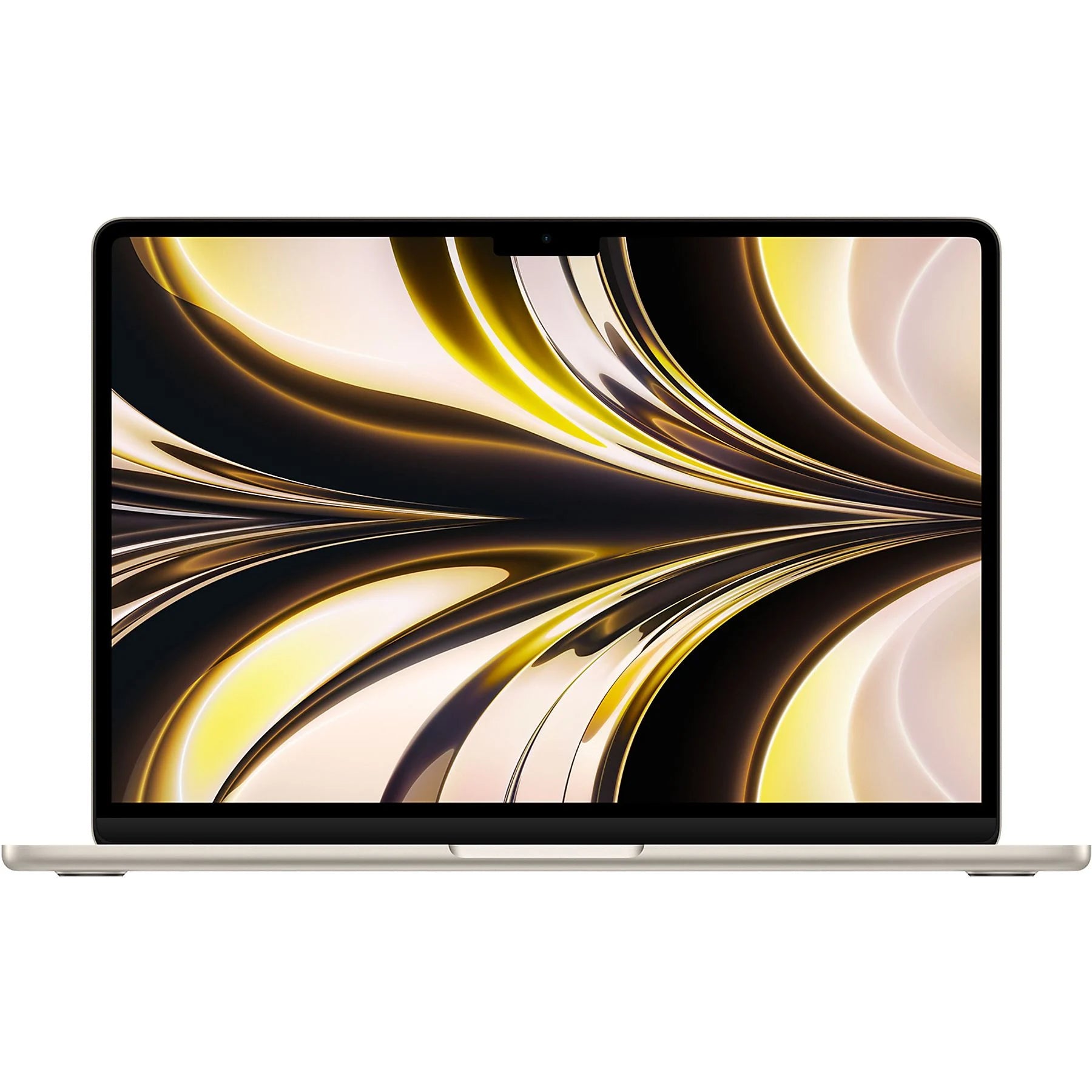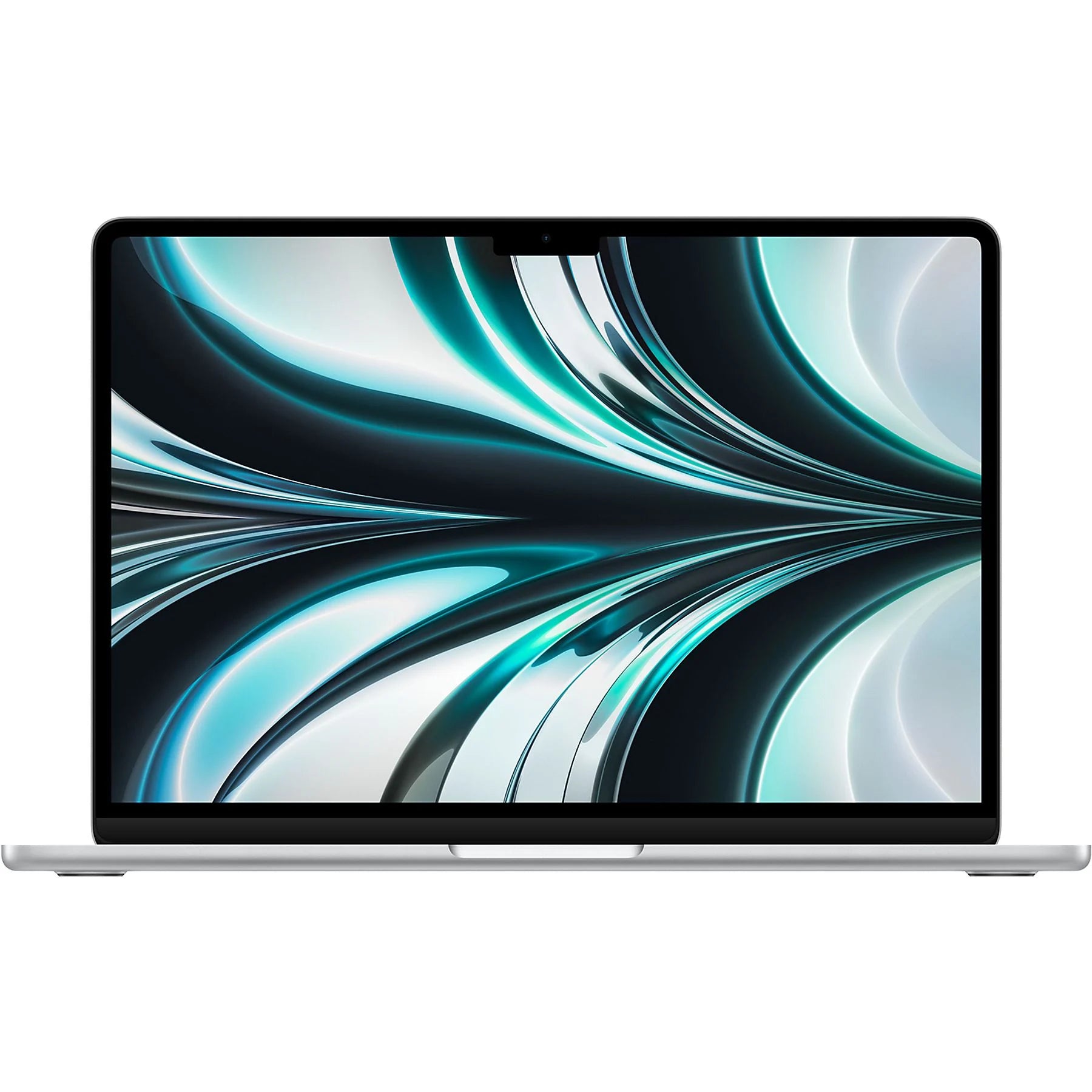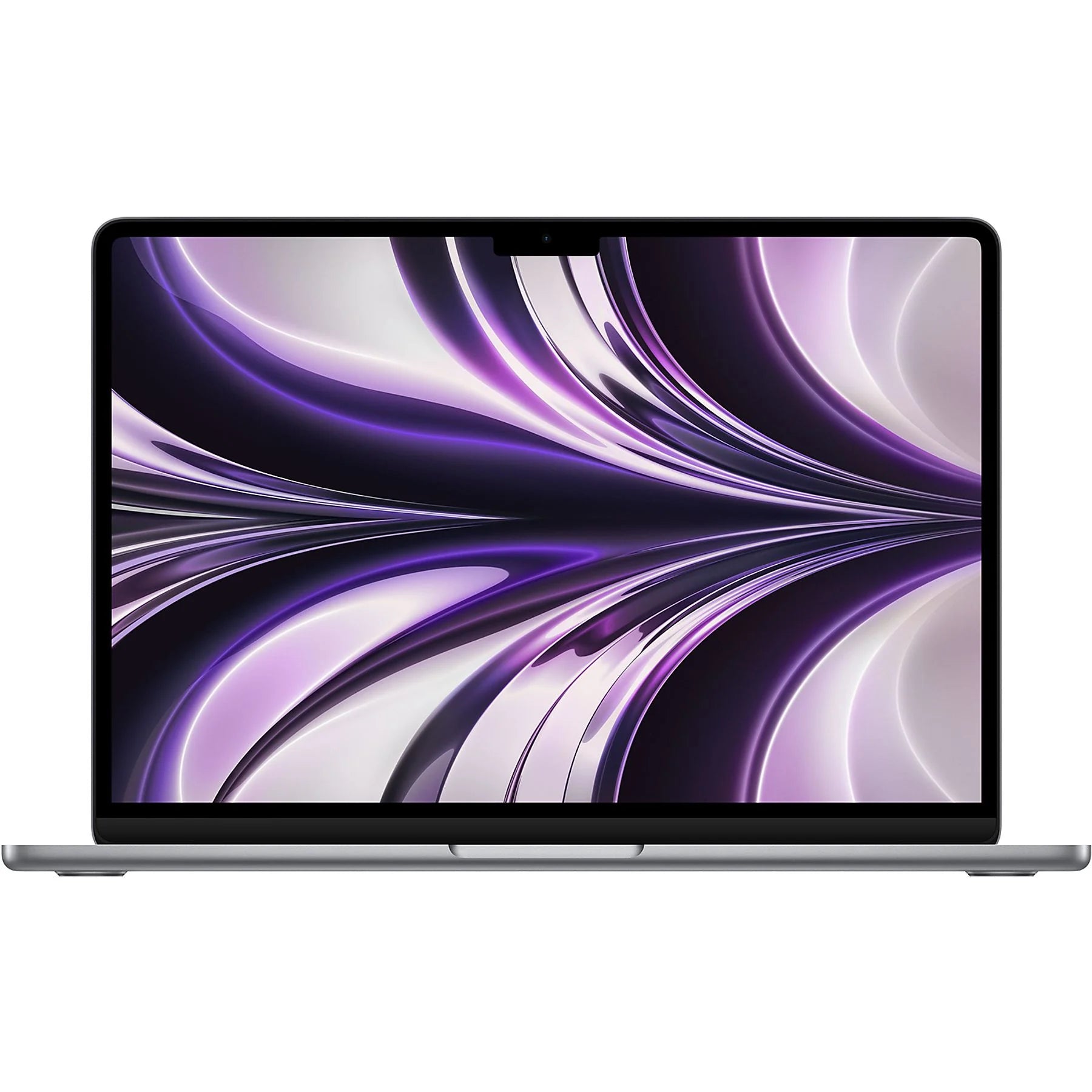

MacBook Air 2023: More than just a laptop upgrade
New MacBook Air in 2023? You know the drill. The same promises about speed, battery life, and that famous Apple design. You wonder if this model is really that much better than its predecessor. Or if you should finally upgrade. But here's what no one tells you: the real improvement isn't in the laptop itself. It's in what you're throwing away. Those old dongles, that slow external drive, even your wired headphones. The MacBook Air 2023 forces you to finally opt for wireless AirPods and modern accessories that truly fit the times. That's what makes this laptop interesting. Not because it's so much faster, but because it forces you to clear out all that digital clutter. And that might just be what you need.
Useful links
What makes the MacBook Air 2023 special?
The latest generation of MacBook Air is particularly distinguished by its M2 chip. This processor offers up to 18% more processing power than its predecessor, while maintaining virtually the same energy consumption. For everyday tasks like browsing, word processing, and video conferencing, you'll barely notice the difference. But as soon as you start editing photos or videos, the difference becomes clear.
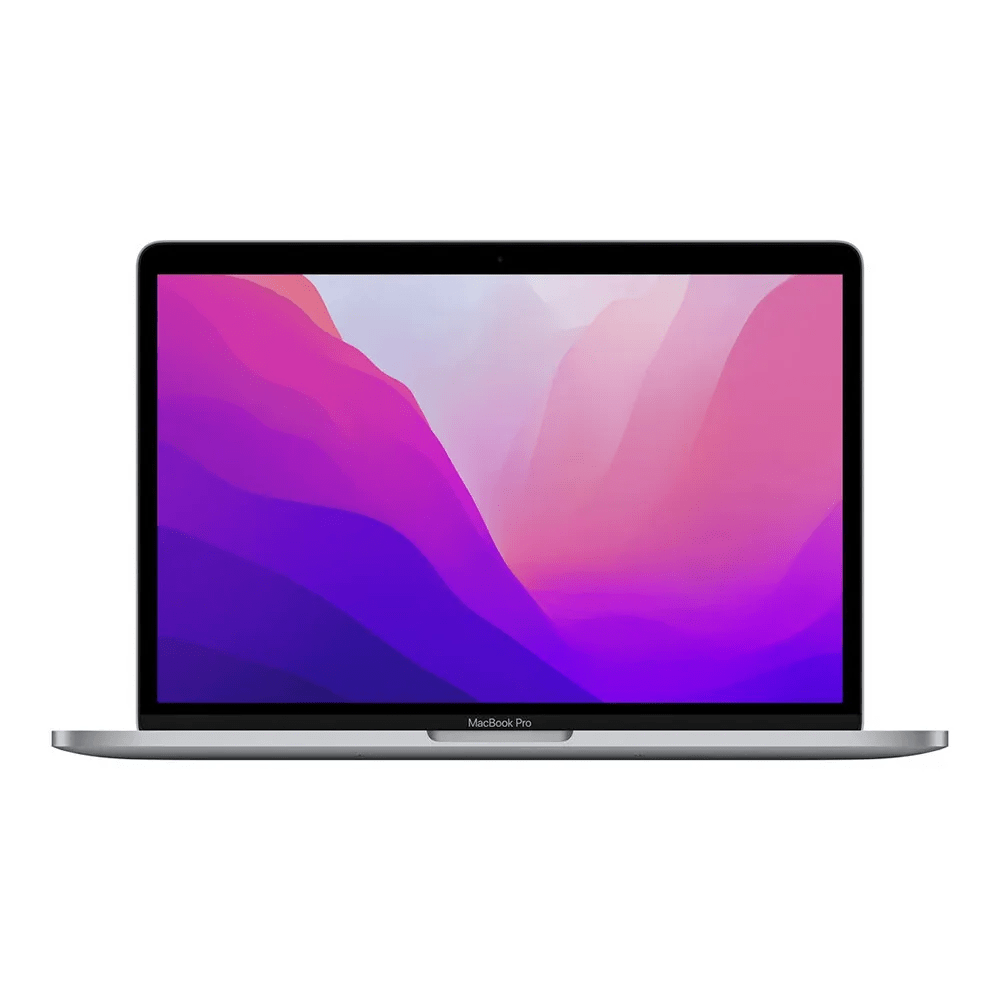
The 13.6-inch Liquid Retina display has a resolution of 2560 x 1664 pixels. This screen now also supports one billion colors, which is especially noticeable when viewing HDR content. The maximum brightness of 500 nits allows working in sunlight, although a shady spot is still easier on the eyes.
Connections and compatibility
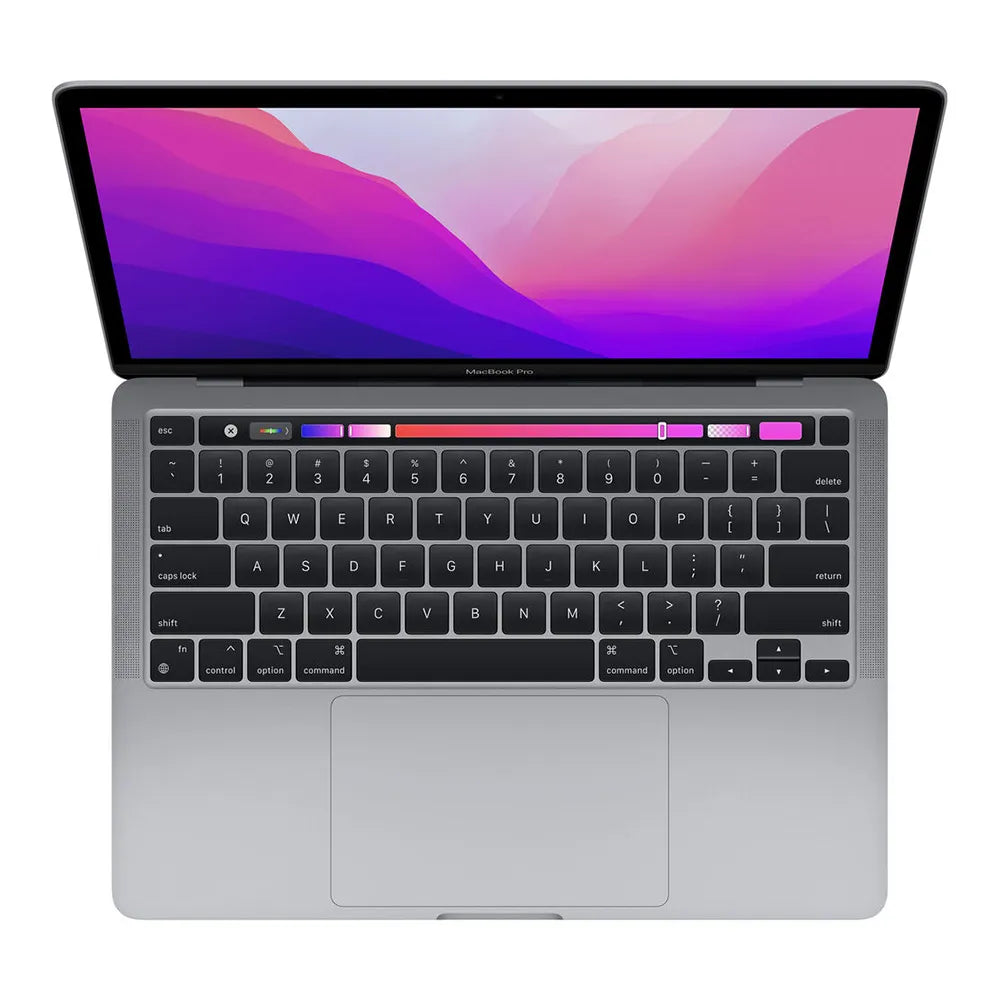
Apple listened to users and equipped this model with two Thunderbolt 4 ports and a MagSafe 3 connector. This means you'll have both USB-C ports free for external devices while charging. The return of MagSafe also prevents your laptop from flying off the table if someone trips over the cable.
The 3.5mm headphone jack remains, despite the trend toward wireless. This is practical for professional audio equipment or when your AirPods run out of juice.
Performance in practice
The M2 chip features 8 CPU cores and up to 10 GPU cores, depending on your configuration. For most users, the base model with 8 GPU cores is perfectly sufficient. The difference with 10 GPU cores is most noticeable in graphics-intensive tasks like 3D rendering or gaming.
Memory and storage
The base model comes with 8GB of unified memory. This is sufficient for basic tasks, but for multitasking with demanding applications, I recommend 16GB. Upgrading to 24GB is only worthwhile for specific professional tasks.
Storage starts at 256 GB SSD. Read speeds are around 2,900 MB/s, noticeably faster than the previous generation. For photographers or videographers, at least 512 GB is recommended, especially since expansion isn't possible later.
Battery life and daily use
Apple promises up to 18 hours of battery life while playing video. In practice, you'll get about 12 to 14 hours of battery life with normal use (browsing, document editing, some streaming). This remains impressive for a laptop of this size.
Charging is done via the included 30W or 35W adapter, depending on your configuration. Charging from 0 to 50% takes about 30 minutes. A full charge takes about an hour and a half. A more powerful 67W adapter is faster, but you'll need to purchase this separately.
Weight and portability
At 1.24 kilograms, this device remains one of the lightest notebooks in its class. The aluminum chassis feels sturdy without being heavy. In a backpack or laptop bag, you'll barely notice the weight.
Who is this laptop suitable for?
Students benefit from the long battery life and light weight. For lectures, research, and writing papers, this model is more than adequate. While the investment is substantial for a student budget, the minimum five-year lifespan makes it acceptable.
Freelancers and small businesses will find a reliable work partner here. Its strength lies in the combination of mobility and performance. This configuration is ideal for bookkeeping, creating presentations, and video calling with clients.
Creative professionals need to critically evaluate their work. For light photo and video editing, this model is sufficient. For intensive 4K video editing or 3D work, the MacBook Pro with M2 Pro or Max is a better choice.
Considering alternatives
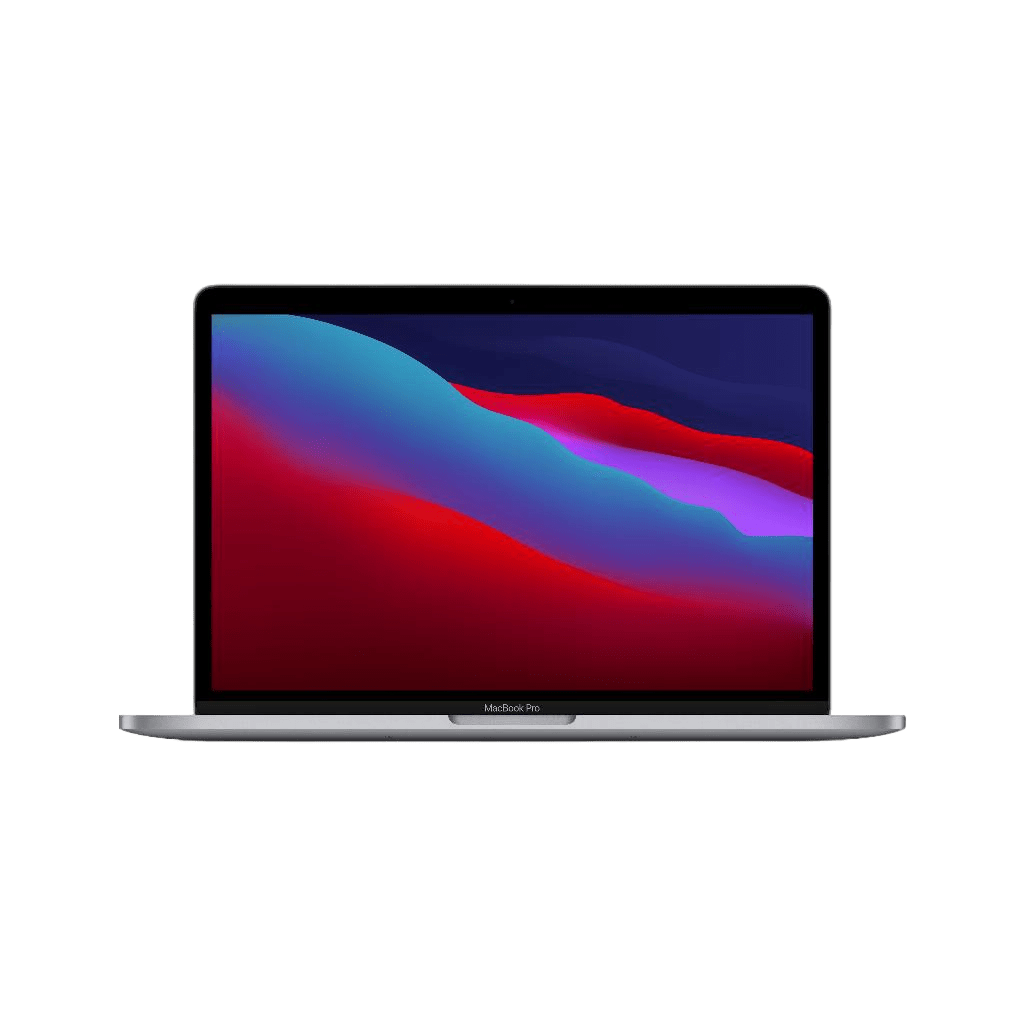
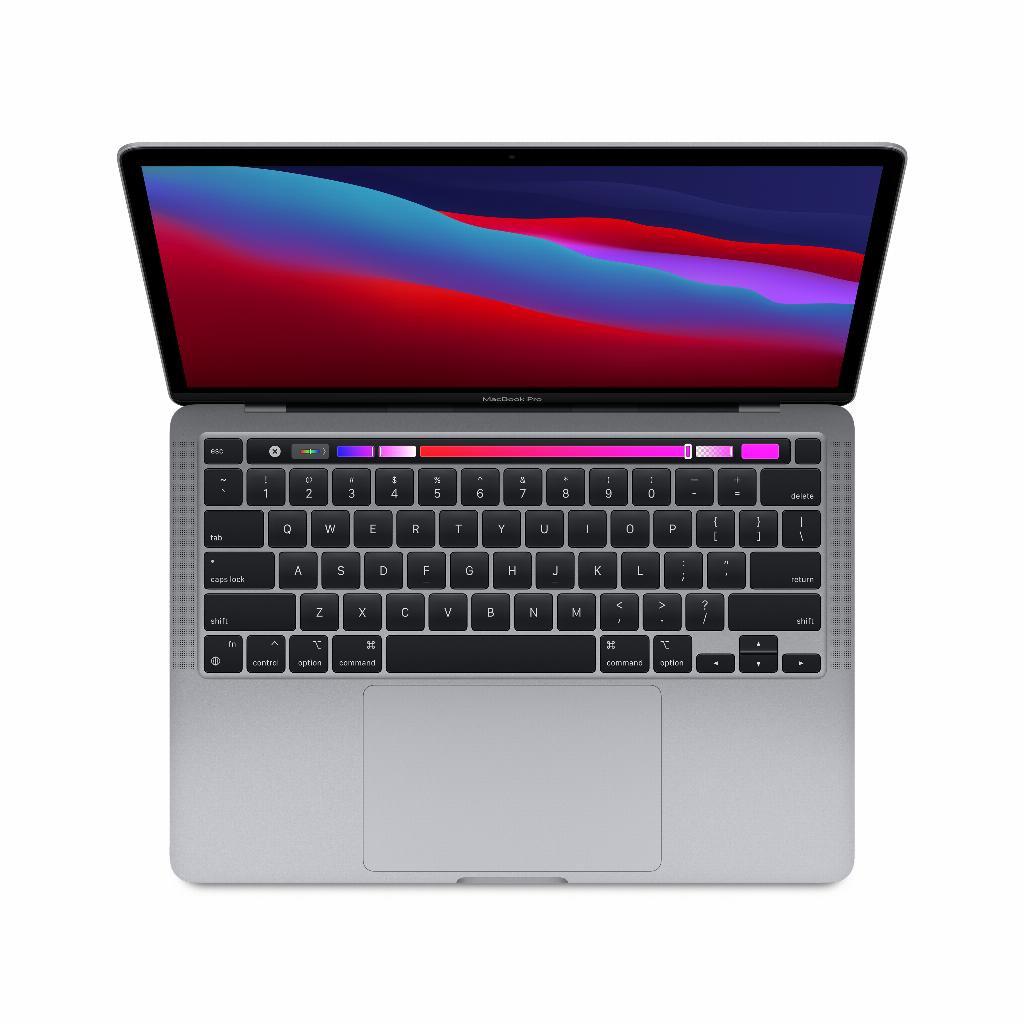
The 2020 MacBook Air M1 remains an excellent alternative. For about €300 less, you get 80% of the performance of the new model. The screen is slightly smaller (13.3 inches) and you miss MagSafe, but for basic tasks, you won't notice much difference.
The 14-inch MacBook Pro offers more ports and a better screen, but costs at least €600 more. This investment is only worthwhile if you actually need the extra processing power.
Windows alternatives
The Dell XPS 13 and HP Spectre x360 are comparable Windows laptops. They often offer more configuration options and are sometimes less expensive. Their downsides are shorter battery life and a lack of seamless integration with other Apple devices.
Sustainability and environment
Apple uses 100% recycled aluminum in the enclosure of this model. The magnets in the speakers and the cobalt in the battery also come from recycled sources. This makes the device more sustainable than many competitors.
The average lifespan of a MacBook Air is five to seven years. Software updates remain available for at least five years, extending its usability. The downside is that out-of-warranty repairs are expensive.
Practical tips for purchasing
Consider a refurbished model if your budget is limited. These devices have been thoroughly inspected and often offer the same warranty as new ones. The price difference can be up to 30%.
Only buy the storage you really need. Cloud storage via iCloud or other services is often cheaper than a larger internal SSD. For €2 per month, you get an extra 50 GB in iCloud.
Wait to buy until Back to School promotions in July/August or Black Friday in November. Apple often offers free AirPods or discounts for students and staff.
Conclusion
The MacBook Air 2023 isn't a revolution, but a solid evolution. For new buyers switching from Windows or replacing an outdated laptop, this is an excellent choice. MacBook Air M1 owners are better off waiting for the next generation, unless specific features like MagSafe or the larger screen are decisive.
The price-performance ratio is reasonable considering its overall lifespan. With proper maintenance and regular software updates, this laptop will remain relevant for years to come. For most users, this model strikes the sweet spot between performance, portability, and price.
Conclusion: The right choice for those who are ready for innovation
The MacBook Air 2023 proves to be a smart choice, especially for those ready for a refresh. Not because of groundbreaking innovations, but because of the combination of proven technology and practical improvements like MagSafe. For students and professionals who value mobility, this model offers the right balance. If you have an M1, you can safely wait a little longer. However, consider a refurbished model if your budget is limited—it offers a significant saving without compromising on quality. Ultimately, with this laptop, you get exactly what Apple promises: a reliable work companion for years to come.