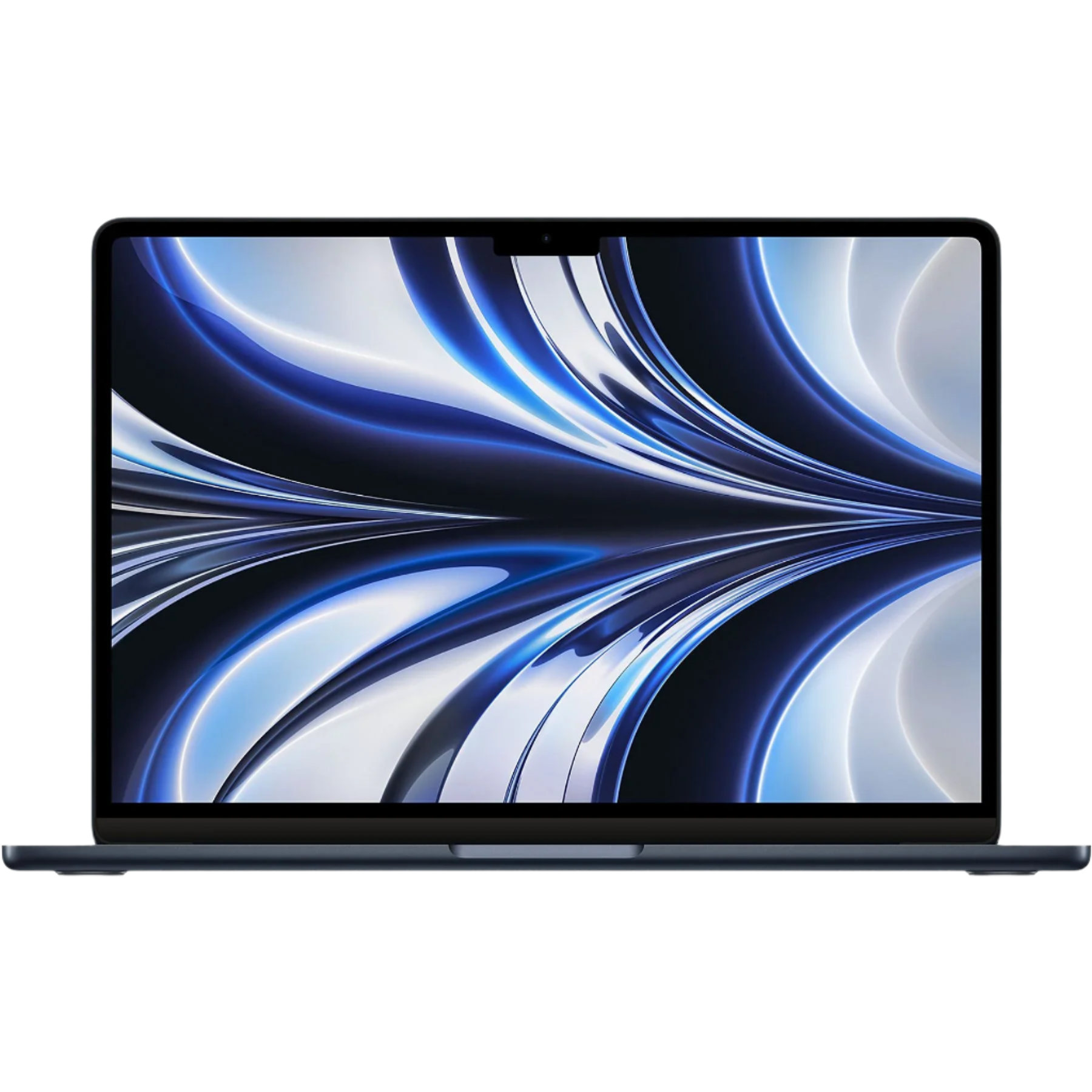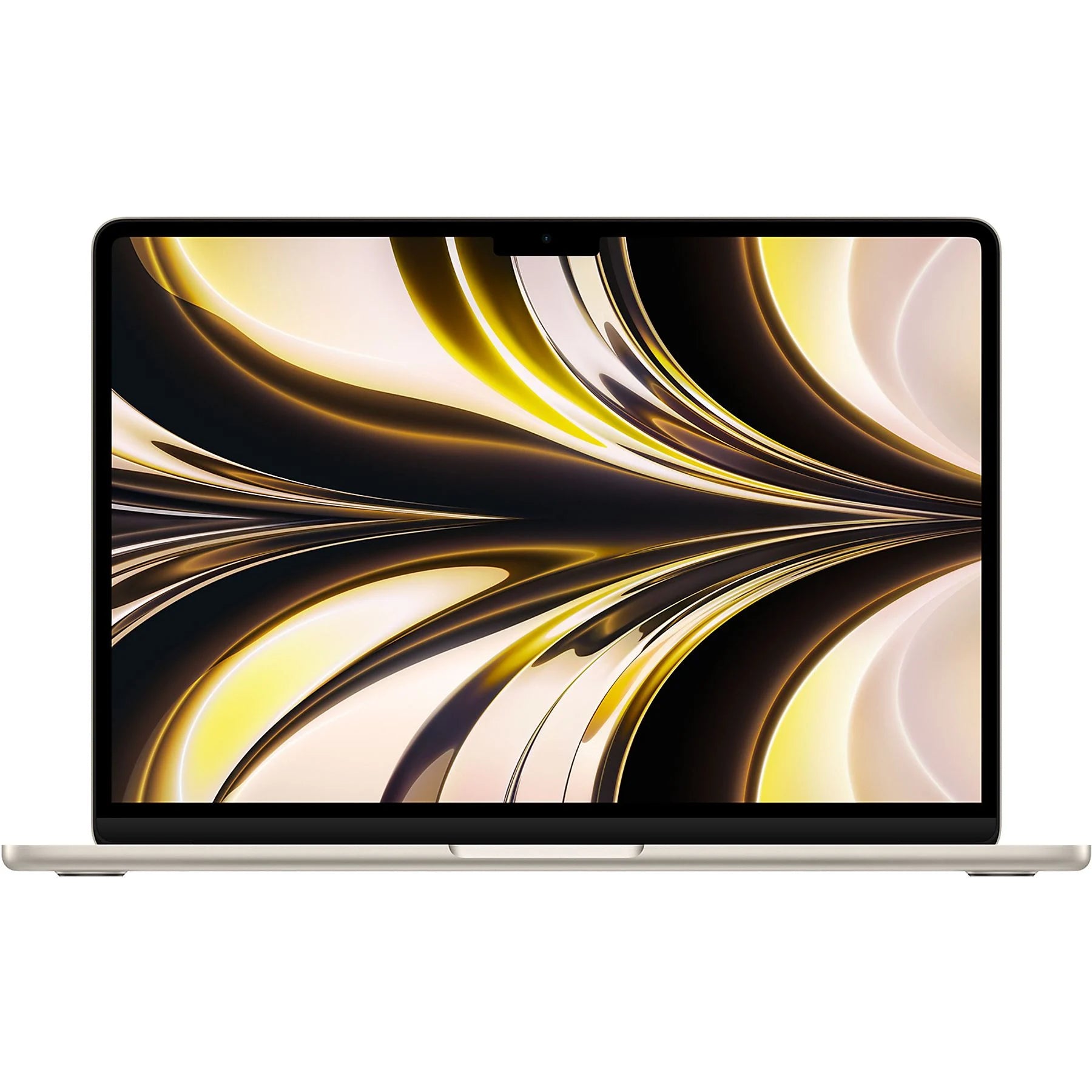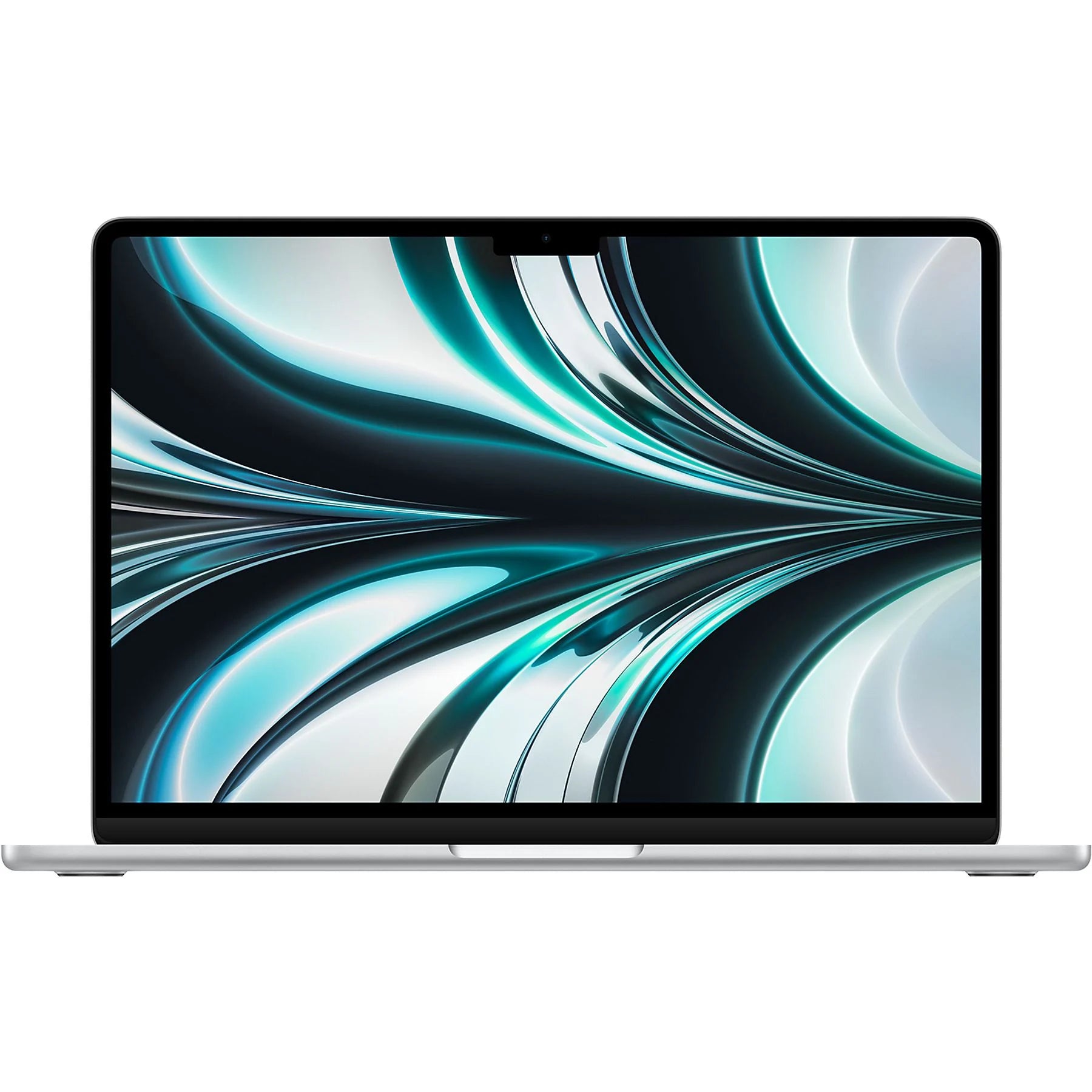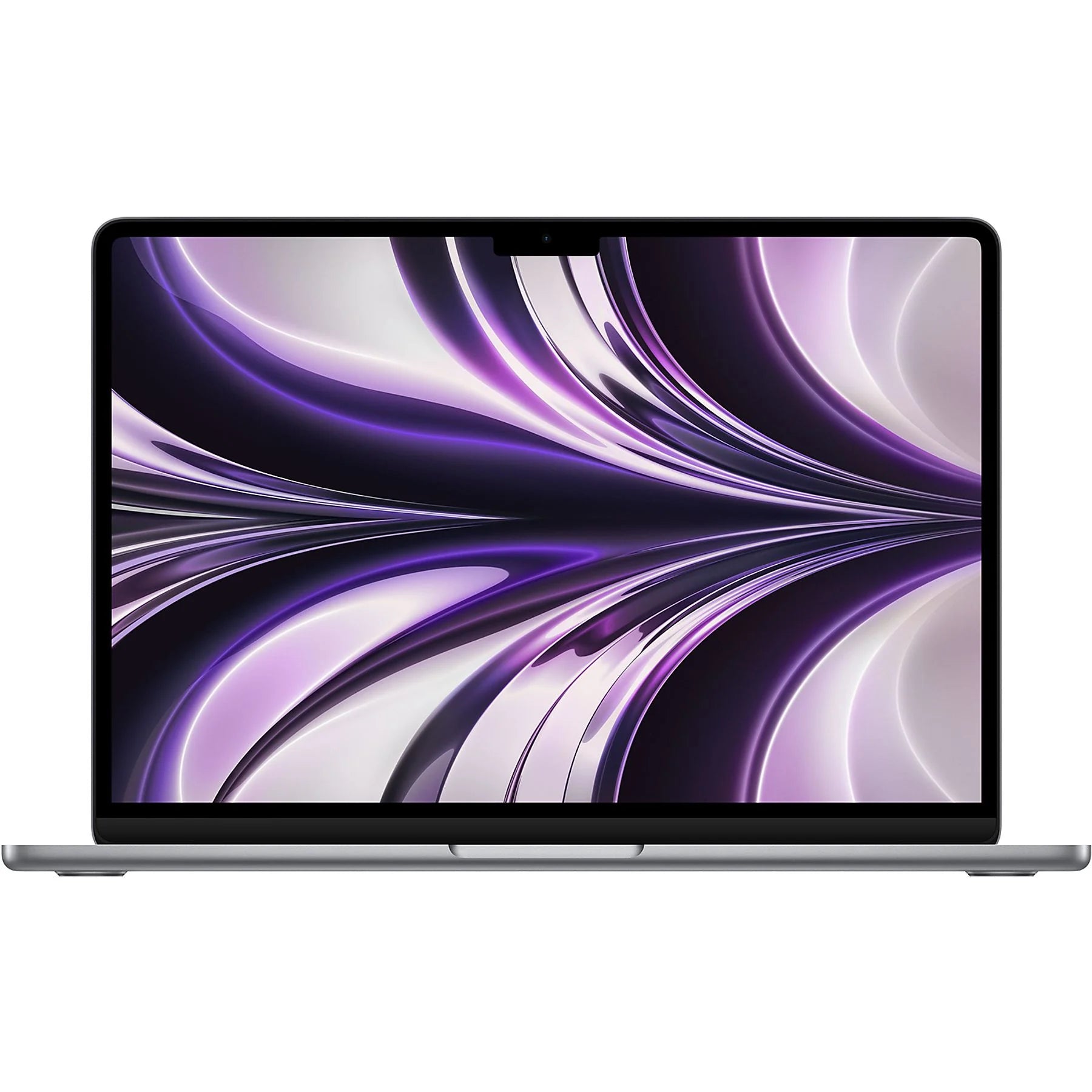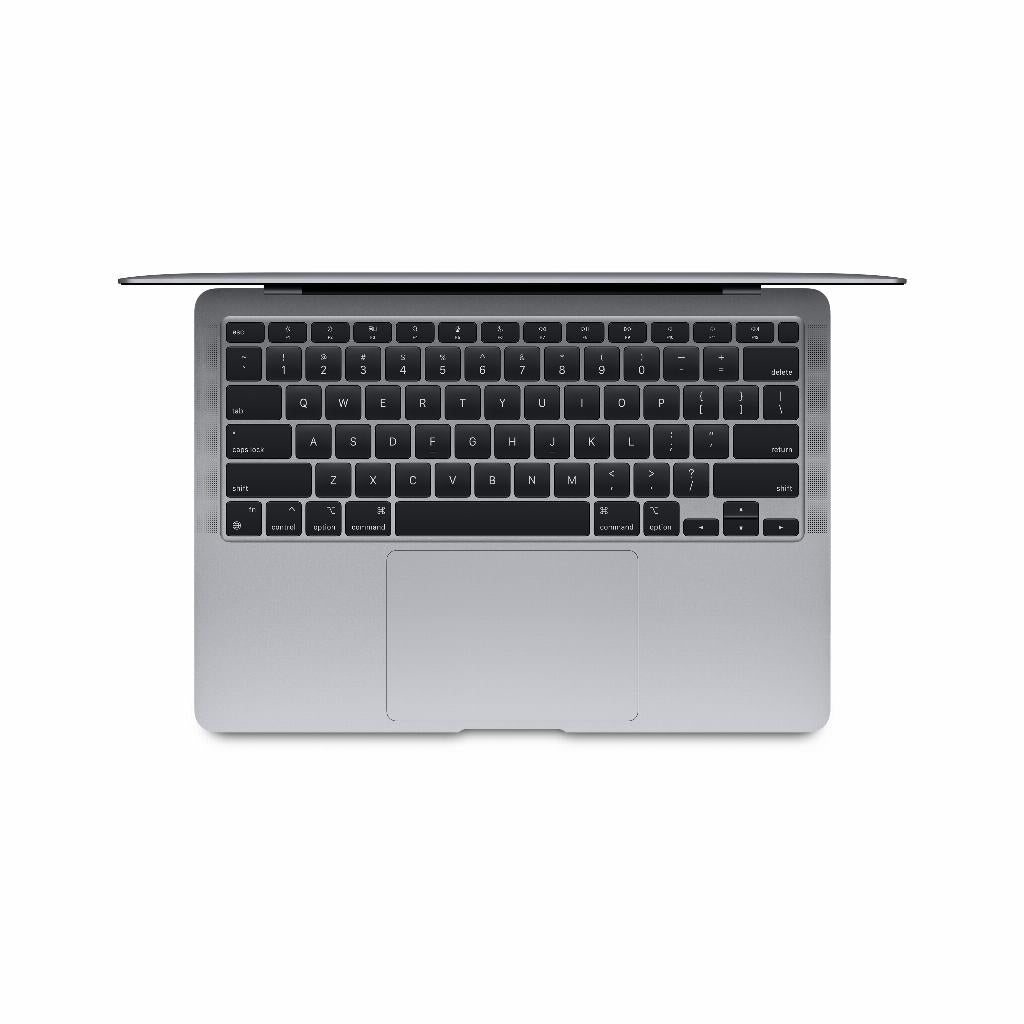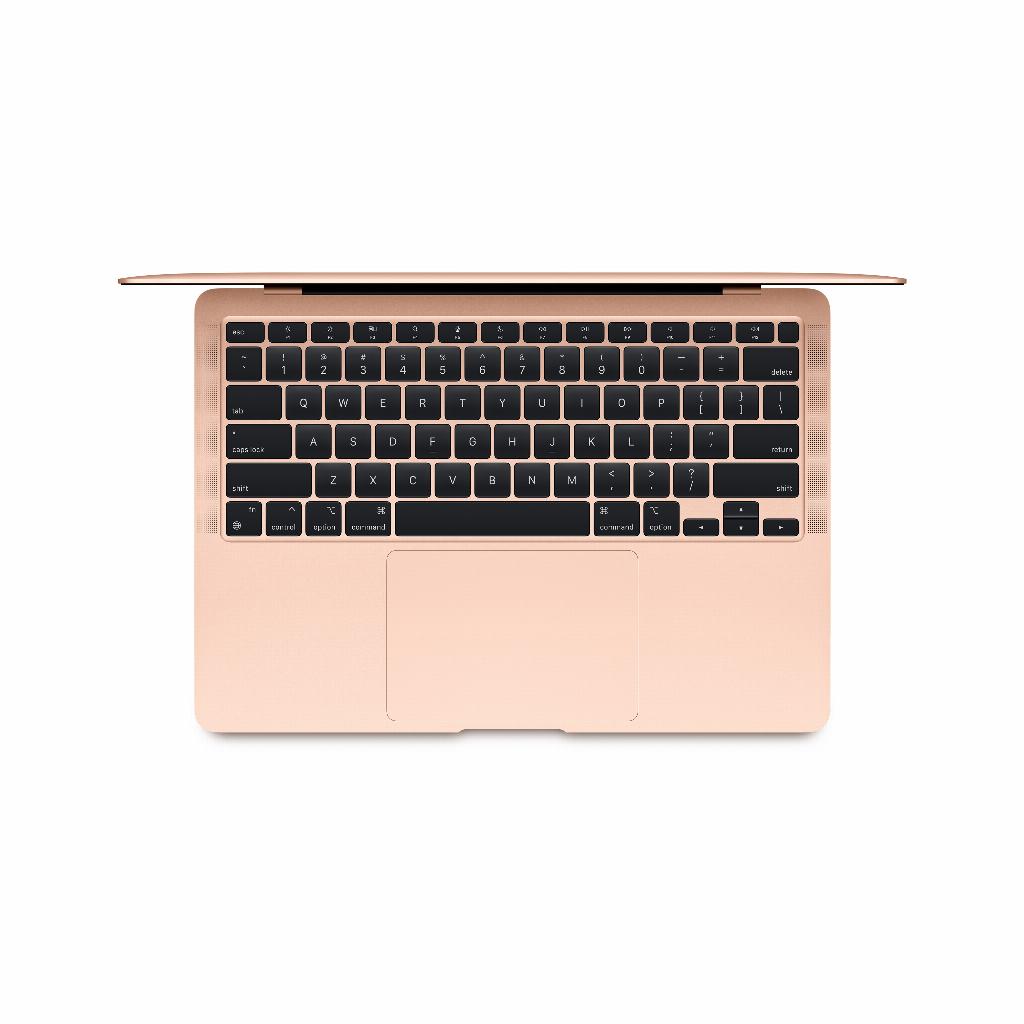

Choosing your new MacBook
It sounds simple until you compare the specs. M1, M2, M3 chip. 8GB or 16GB of RAM. Air or Pro. Every salesperson claims their model is perfect for you. That you can't live without that one feature. But here's what no one tells you: the most expensive MacBook is often not the best choice . In fact, for 80% of users, a refurbished MacBook from a previous generation is more powerful than they'll ever need. That video editing you're on the fence about? You probably do that twice a year. Those demanding programs? Netflix and Excel aren't demanding. The secret to refurbished isn't that it's cheaper. It's that you finally get a fair match between what you need and what you pay .
Useful links
Choosing the right MacBook starts with taking an honest look at your usage
Comparing MacBooks isn't about the latest specs. It's about what you do with it. Most people use their laptops for browsing, Netflix, Microsoft Office, and some photo editing. Yet, they often buy a model designed for professional video editing. That's like buying a Formula 1 car for grocery shopping.
A refurbished MacBook from 2020 or 2021 has more than enough power for everyday use. These models run the latest software smoothly, have excellent screens, and will last for years. The difference? You'll pay 30 to 50 percent less than a brand new one.
MacBook Air vs. MacBook Pro: The Real Differences
The MacBook Air is the workhorse for most users. This model weighs about 1.3 kilos, fits in any bag, and its battery easily lasts a full workday. With the M1 chip or later, you have enough power for:
- Run all Office programs at the same time
- Browsing with dozens of tabs open
- Editing photos in Lightroom
- Video calling without stuttering
- Light video editing for social media
The MacBook Pro is a different beast. This device has active cooling, a brighter screen, and more ports. Choose a Pro if you regularly:
- 4K videos edited in Final Cut or Premiere
- Works with large data sets in development environments
- 3D models renders
- Connect multiple external screens
- Professional audio produces
Screen size makes more difference than you think
A 13-inch screen may sound small, but it's perfect for portability. You can work comfortably in cafes, on trains, and in airplanes. The 14-inch Pro model offers a bit more workspace without adding much weight. The 15-inch Air and 16-inch Pro are ideal if your laptop is mostly in one place. These larger models are great for spreadsheets, design work, or if you simply value space.
RAM and Storage: How Much Do You Really Need?
Apple charges hefty prices for extra memory and storage. With new models, you sometimes pay €250 for 8GB of extra RAM. That's precisely why refurbished is becoming attractive. You get a model with more memory for the price of a base model.
For most users, 8GB of RAM is sufficient, especially with the efficient M-chips. Go for 16GB if you:
- Often switches between heavy programs
- Virtual machines running
- Large files edited
- Want to use your laptop for more than five years?
Regarding storage, 256GB is limited but manageable with iCloud. 512GB is comfortable. Only local video storage or large photo libraries require 1TB or more. Keep in mind that external SSDs are now small, fast, and affordable.
The chip generations: M1, M2, M3 and beyond
The 2020 M1 chip was a revolution. This processor is still faster than 90% of Windows laptops. The M2 offered about a 20% speed increase, the M3 another 15%. In everyday use, you'll barely notice these differences. An M1 MacBook opens programs in a fraction of a second. An M3 does the same, just a fraction faster.
Where newer chips do make a difference:
- Battery life (M3 lasts up to 22 hours of video viewing)
- Number of external screens you can connect
- Speed in specific professional tasks
- Support for the latest video codecs
When is the latest chip worth it?
Buy the latest generation if you always want the latest features or if your work specifically benefits from the improvements. For others, a one or two year older model is the smart choice. You'll save hundreds of euros without any noticeable performance compromise.
Buying refurbished: the practical benefits
A refurbished MacBook isn't a secondhand laptop from Marktplaats. These devices have been professionally inspected, repaired where necessary, and fitted with new batteries if the old one is no longer working properly. At Leapp, you even get a warranty, just like with a new device.
The benefits at a glance:
- 30 to 50 percent cheaper than new
- Professionally tested and repaired
- Warranty and return policy
- Often from business lease, so well maintained
- Immediately available, no waiting times
- Better for the environment
Your usage determines the best choice
For students and those working from home, a refurbished MacBook Air M1 with 8GB of RAM and 256GB of storage is often perfect. This model costs around €700-900 and does everything you need. Creatives who occasionally edit videos will be happy with a MacBook Pro M1 with 16GB of RAM. Only true professionals need the power of the latest M3 Pro or Max chips.
The most important advice: don't buy based on what you might do someday. Buy based on what you do now. With the money you save on a refurbished model, you can upgrade to a then-new, now refurbished model in three years. This way, you'll always have modern technology without paying top dollar.
Making the right choice
Comparing MacBooks isn't about the latest chip or the most memory. It's about what you need . For most people, a refurbished MacBook from a previous generation is more than powerful enough for years of enjoyment. You'll save hundreds of euros, get a full warranty, and do something good for the environment. Stop worrying about specs you won't use anyway. Choose the model that suits your daily use and budget . That's a smart purchase.