
Apple will release macOS Tahoe 26 in September 2025, an update that will not only make your Mac beautiful, but also much more useful and powerful. At leapp, we know it's important to understand exactly what such an update means for you. That's why we'll explain not only what's new, but also what you can actually do with it.
Fresh design with convenient personalization
macOS Tahoe introduces the Liquid Glass design: think glossy, reflective elements that give your Mac interface a modern, stylish look. But it remains familiar. You can now also customize the color of your folders and app icons, and customize your Control Center exactly how you want it.
- Handy: Do you have an environment (e.g., at the office) where you often use the same apps? Quickly add those apps to your Control Center for instant access without searching. Or give personal folders a bright color to make them easier to find.
Accessibility that truly supports
- Magnifier on Mac: Use your Mac in combination with an iPhone camera to see your surroundings better. This is super handy if you want to magnify something small or difficult to read, such as labels or small text on documents.
- Accessibility Reader: Have your text read aloud or adjust the font and colors for a pleasant reading experience.
- Braille Access: Users with braille devices can now navigate their Mac more easily with a completely redesigned interface.
Smarter family features for parental controls
Parents will have much more control over their children's activities. This includes new limits on who they can call or message, better protection against unwanted communication, and stricter oversight within the App Store.
- Responsible use: Want your child to stay off social media during homework? Set communication limits so only apps and contacts relevant to school are available.
Journal: Capture your life the way you want it
The new Journal app for Mac helps you capture memories and moments with photos, videos, audio recordings, and location. This way, you can easily look back on them later or even write a story about that important day.
- Fun: Make a short audio recording or add a few photos every day during your vacation. At the end of your trip, you'll have a complete digital diary.
Better Photos app with smart collections
The Photos app has been updated with a modern layout that lets you quickly filter, sort, and resize your photo collections. Pinned Collections keeps your favorite albums at the top.
- Always close at hand: Pin all your cat photos, for example, so you can find them instantly without scrolling. Handy if you want to quickly show something to friends.
FaceTime with a personal touch
With the new tile design and personalized Contact Posters, FaceTime video calling becomes more vibrant and personal than ever. It truly feels like you're right there with each other.
- Personalize: Personalize your FaceTime contact poster with a fun background or image that reflects your personality, for a fun effect in group conversations.
Memories that resonate with you
The Reminders app now makes smart suggestions for tasks and shopping lists, for example, based on emails or messages you've received. Related reminders are also automatically grouped together.
- Handy: If you receive an email with a meeting invitation, Reminders will suggest creating a task and linking it to the same list as your other work stuff.
Gaming: Play and manage more easily
Mac games are now combined into a single Games app. With the new Game overlay, you can easily adjust your system settings, chat with friends, or invite them to play, all without leaving the game.
For hardcore gamers, there's also Metal 4, which delivers smoother graphics than ever before thanks to technologies like frame interpolation and denoising.
- Practical: Playing Cyberpunk 2077 on your Mac? With Metal 4, you'll get sharper graphics and faster frame rates, making for a much smoother gaming experience.
Messages: more interactive and secure
Make your chats more fun with polls and backgrounds. Conversation details are more conveniently organized with separate areas for photos, links, and location. Typing indicators show who's typing. Spam gets a major upgrade, and you'll encounter even less of it.
- Practical: Easily organize a movie night with friends using a poll in the Messages app and prevent spam from entering your group chat.
Passwords and Notes: organized and productive
You can now better track password changes and retrieve previous versions. For notes, you can record and transcribe phone calls, and export your notes as a Markdown file.
- Idea: Record a phone call and your Mac will transcribe the conversation for you, so you always have notes of important conversations.
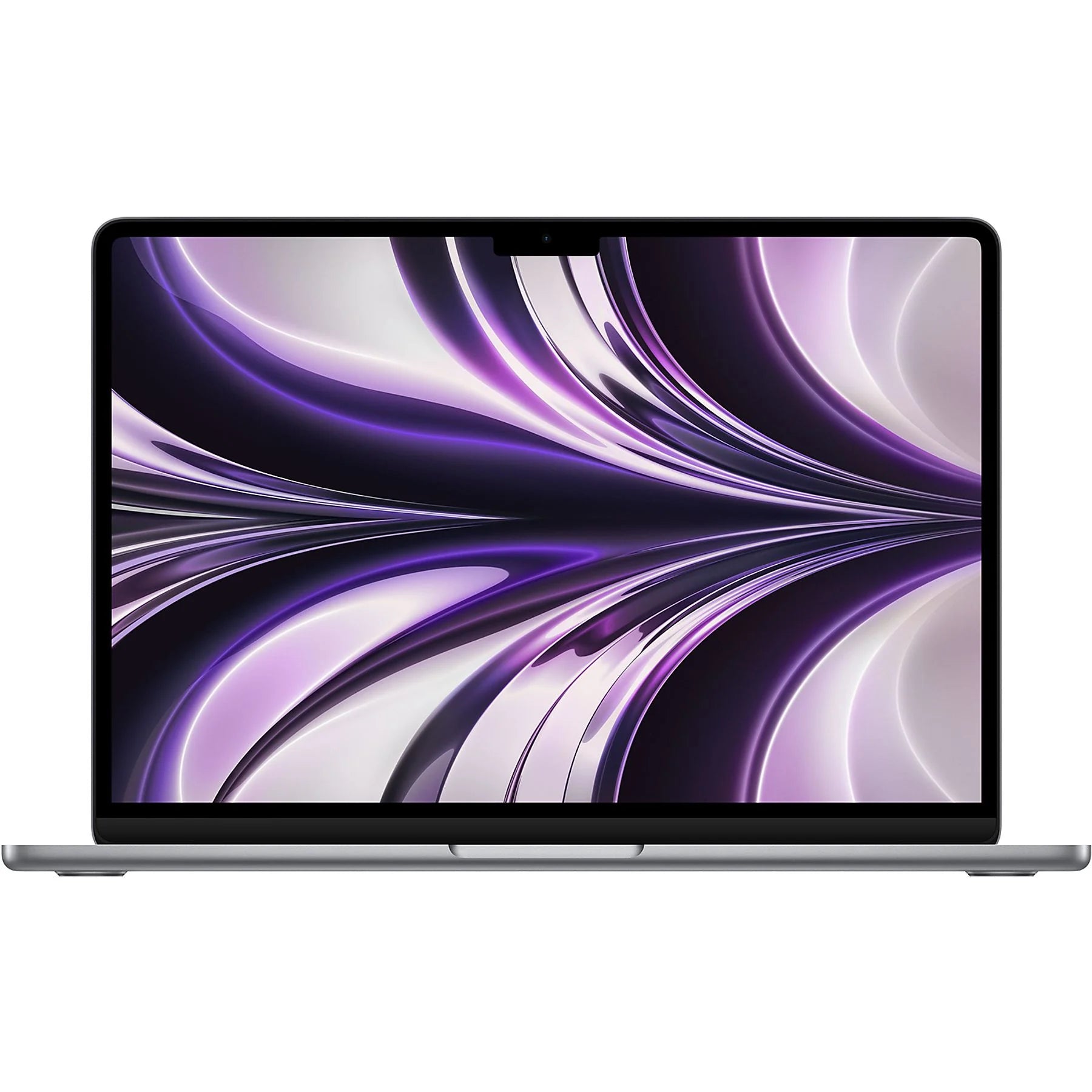
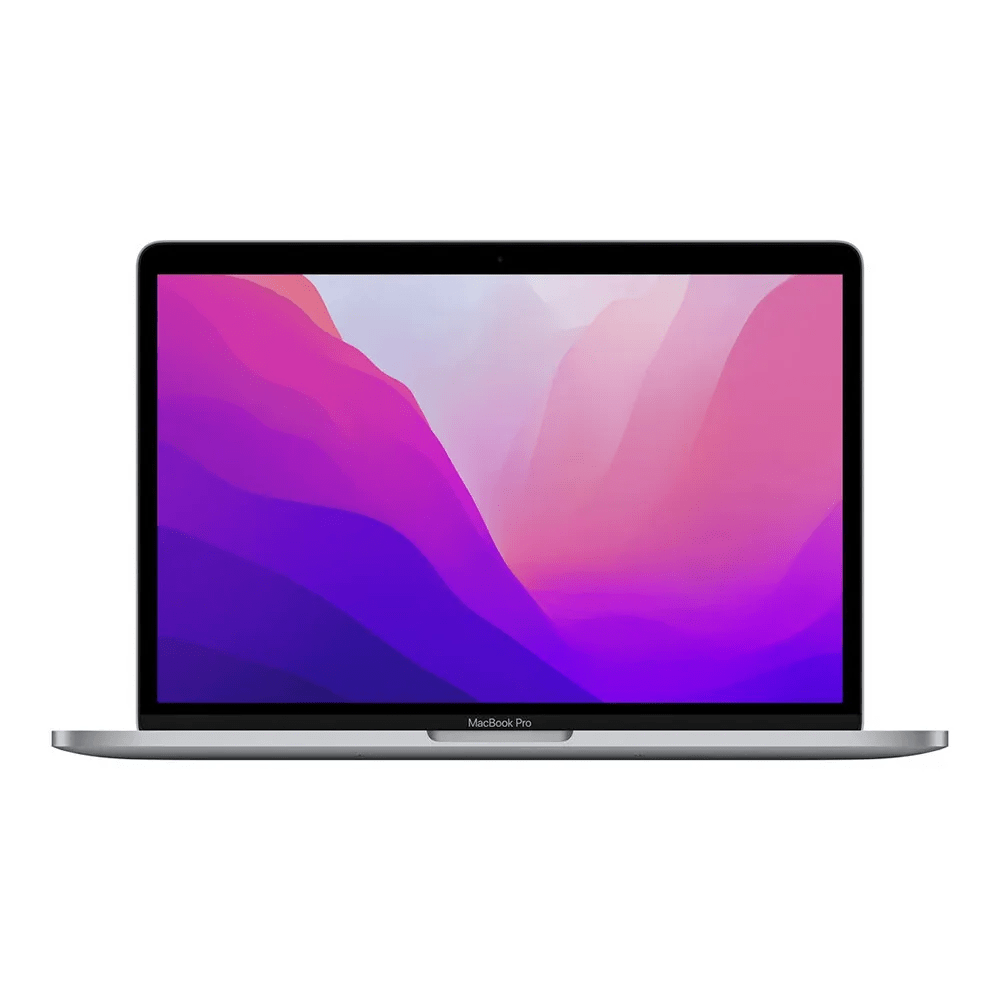
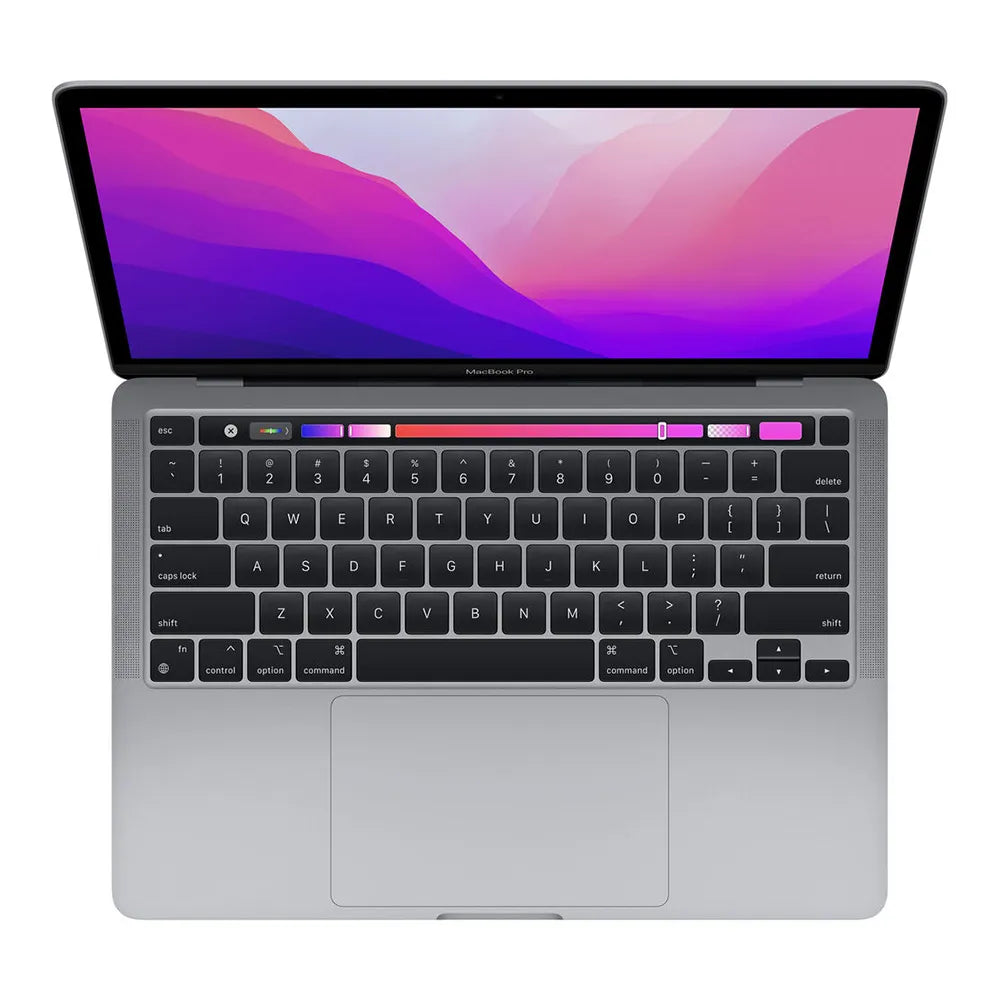
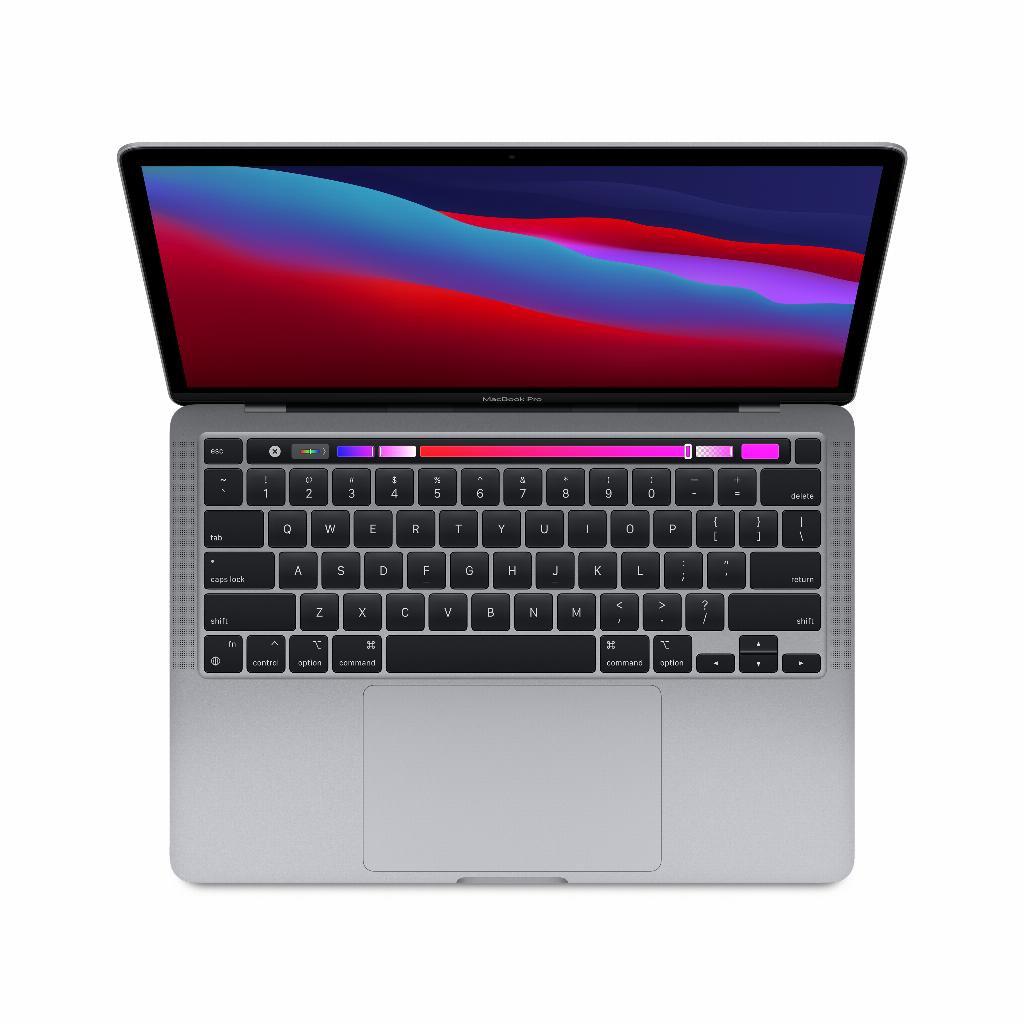
Which Macs support macOS Tahoe?
- MacBook Air and Pro with Apple silicon (2020 and newer)
- iMac from 2020
- Mac mini from 2020
- Mac Studio (2022 and later)
- Mac Pro (2019 and later)
With macOS Tahoe 26, you're getting a fresh, smart, and powerful update. Thanks to its many new features, working, playing, creating, and connecting on your Mac becomes easier and more enjoyable. At leapp, we're happy to help you find a reliable Mac that takes full advantage of all these possibilities!